
- TensorFlow 教程
- TensorFlow - 首頁
- TensorFlow - 簡介
- TensorFlow - 安裝
- 理解人工智慧
- 數學基礎
- 機器學習與深度學習
- TensorFlow - 基礎
- 卷積神經網路
- 迴圈神經網路
- TensorBoard 視覺化
- TensorFlow - 詞嵌入
- 單層感知器
- TensorFlow - 線性迴歸
- TFLearn 及其安裝
- CNN 和 RNN 的區別
- TensorFlow - Keras
- TensorFlow - 分散式計算
- TensorFlow - 匯出
- 多層感知器學習
- 感知器的隱藏層
- TensorFlow - 最佳化器
- TensorFlow - XOR 實現
- 梯度下降最佳化
- TensorFlow - 構建圖
- 使用 TensorFlow 進行影像識別
- 神經網路訓練建議
- TensorFlow 有用資源
- TensorFlow - 快速指南
- TensorFlow - 有用資源
- TensorFlow - 討論
TensorFlow - 安裝
要安裝 TensorFlow,系統中必須安裝“Python”。Python 3.4+ 版本被認為是開始 TensorFlow 安裝的最佳版本。
請考慮以下在 Windows 作業系統中安裝 TensorFlow 的步驟。
步驟 1 - 驗證已安裝的 Python 版本。
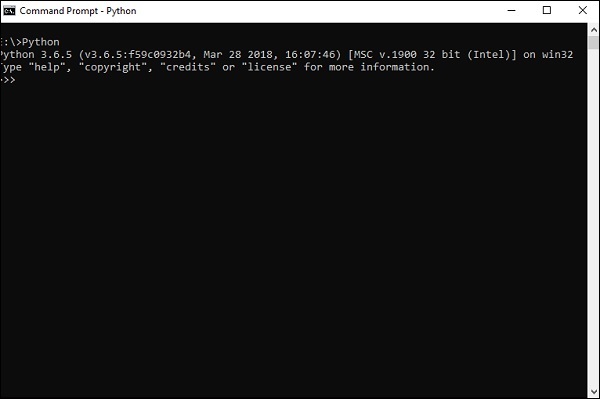
步驟 2 - 使用者可以選擇任何機制在系統中安裝 TensorFlow。我們推薦使用“pip”和“Anaconda”。Pip 是一個用於在 Python 中執行和安裝模組的命令。
在安裝 TensorFlow 之前,我們需要在系統中安裝 Anaconda 框架。
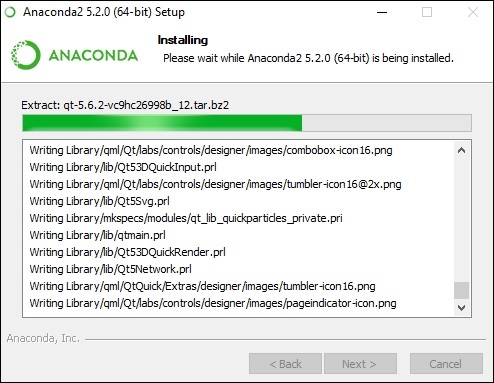
安裝成功後,透過“conda”命令在命令提示符中進行檢查。命令執行如下所示:
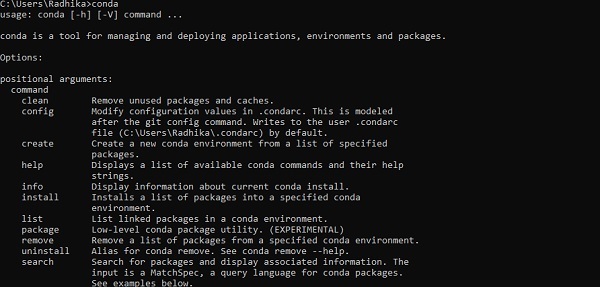
步驟 3 - 執行以下命令初始化 TensorFlow 的安裝:
conda create --name tensorflow python = 3.5
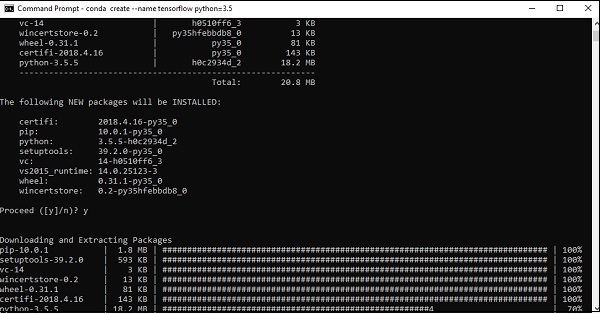
它會下載 TensorFlow 設定所需的必要軟體包。
步驟 4 - 環境設定成功後,務必啟用 TensorFlow 模組。
activate tensorflow
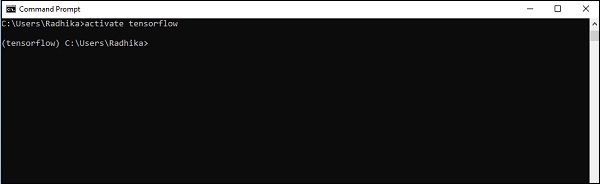
步驟 5 - 使用 pip 在系統中安裝“Tensorflow”。用於安裝的命令如下所示:
pip install tensorflow
以及
pip install tensorflow-gpu
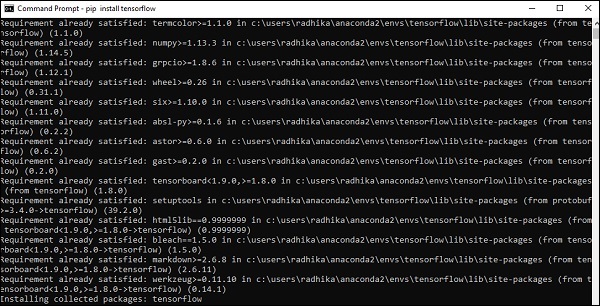
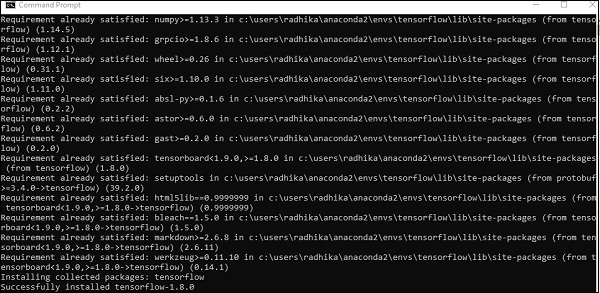
安裝成功後,瞭解 TensorFlow 的示例程式執行非常重要。
以下示例幫助我們瞭解 TensorFlow 中基本的“Hello World”程式建立。
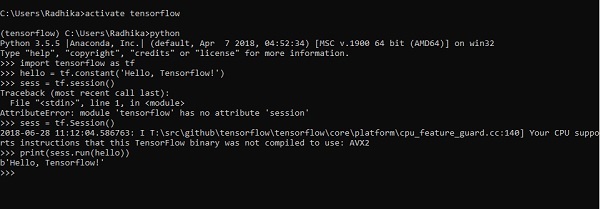
第一個程式實現的程式碼如下所示:
>> activate tensorflow
>> python (activating python shell)
>> import tensorflow as tf
>> hello = tf.constant(‘Hello, Tensorflow!’)
>> sess = tf.Session()
>> print(sess.run(hello))
廣告