
 資料結構
資料結構 網路
網路 關係型資料庫管理系統
 作業系統
作業系統 Java
Java MS Excel
 iOS
iOS HTML
HTML CSS
CSS Android
 Python
 C 語言程式設計
 C++
C++ C#
C# MongoDB
 MySQL
MySQL Javascript
 PHP
PHP 物理學
物理學 化學
化學 生物學
生物學 數學
數學 英語
英語 經濟學
經濟學 心理學
心理學 社會學
社會學 時尚學
時尚學 法學
法學使用 Matplotlib 的 for 迴圈定義要動畫化的多個繪圖
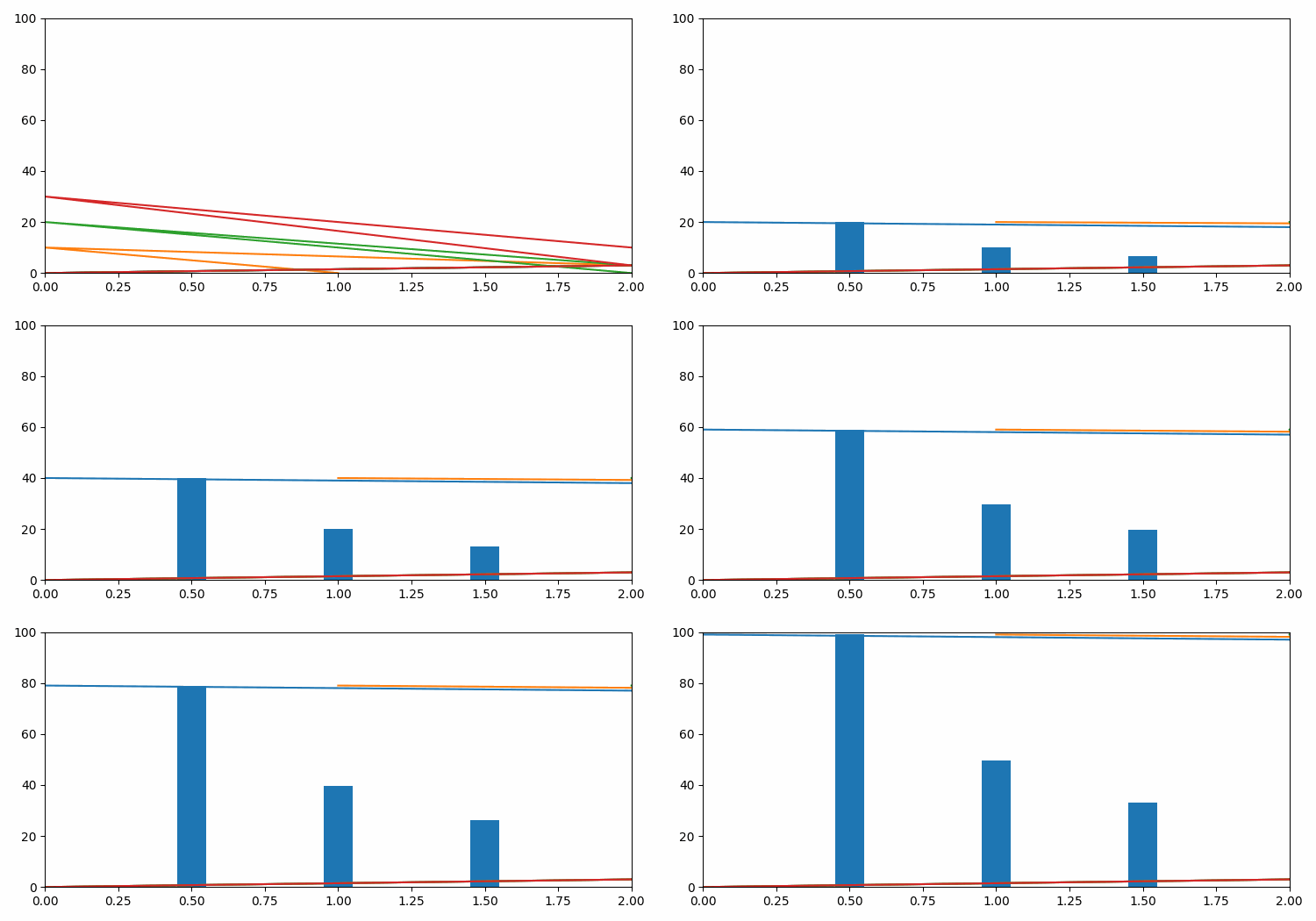
若要使用 for 迴圈定義要在 matplotlib 中動畫化的多個繪圖,我們可以執行以下步驟:
- 設定圖形大小並調整子圖之間的和周圍的填充。
- 使用 figure 方法建立新的圖形或啟用現有的圖形。
- 向當前圖形新增座標軸並使其成為當前座標軸。
- 使用 numpy 初始化兩個變數N和x。
- 獲取線和條形圖區的列表。
- 在for迴圈中動畫化線和矩形(條形圖區)。
- 透過重複呼叫函式*func*來製作動畫。
- 使用show()方法顯示圖形。
示例
from matplotlib import pyplot as plt
from matplotlib import animation
import numpy as np

plt.rcParams["figure.figsize"] = [7.50, 3.50]
plt.rcParams["figure.autolayout"] = True

fig = plt.figure()
ax = plt.axes(xlim=(0, 2), ylim=(0, 100))
N = 4
x = np.linspace(-5, 5, 100)
lines = [plt.plot(x, np.sin(x))[0] for _ in range(N)]
rectangles = plt.bar([0.5, 1, 1.5], [50, 40, 90], width=0.1)
patches = lines + list(rectangles)

def animate(i):
   for j, line in enumerate(lines):
      line.set_data([0, 2, i, j], [0, 3, 10 * j, i])
   for j, rectangle in enumerate(rectangles):
      rectangle.set_height(i / (j + 1))
return patches

anim = animation.FuncAnimation(fig, animate,
                              frames=100, interval=20, blit=True)

plt.show()
輸出

更新於: 2021 年 6 月 16 日
2K 多次瀏覽

廣告