
計算機概念 - 使用 PowerPoint
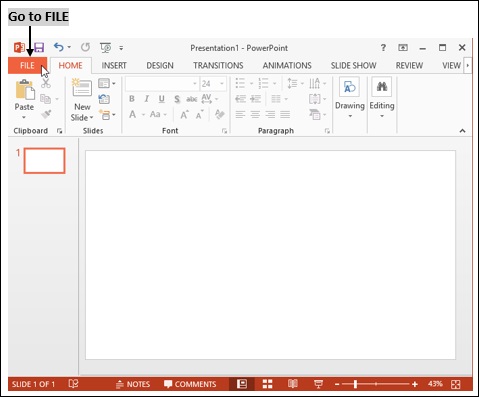
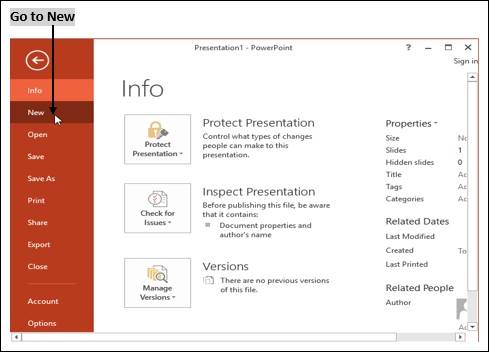
可以透過選擇“檔案 → 新建 → 簡報”建立一個新的簡報。
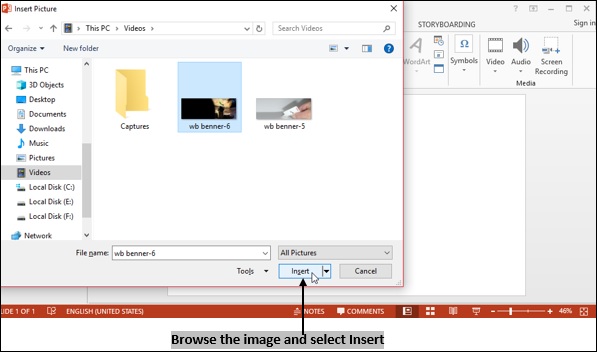
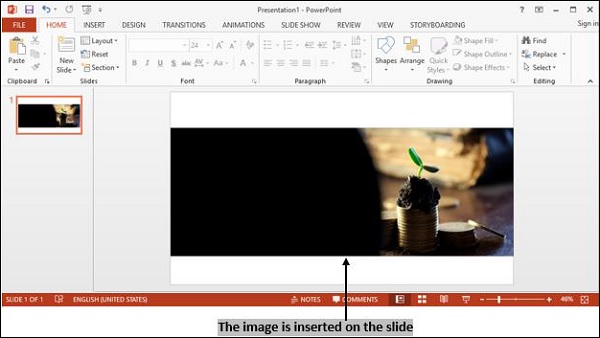
開啟一個現有的 PowerPoint 簡報
若要開啟一個現有的 PowerPoint,請選擇 **檔案 → 開啟 → 最近簡報 →**,然後 **選擇您要開啟的簡報**。
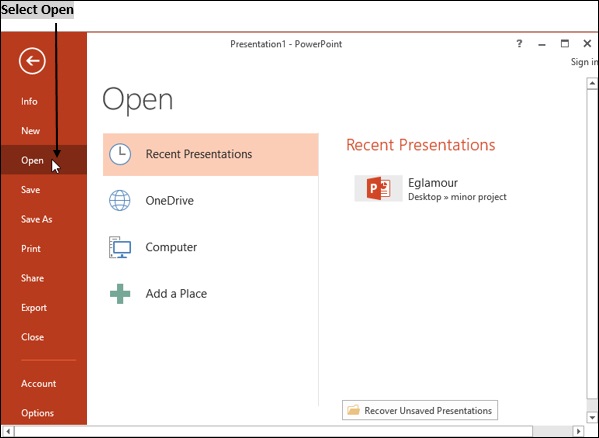
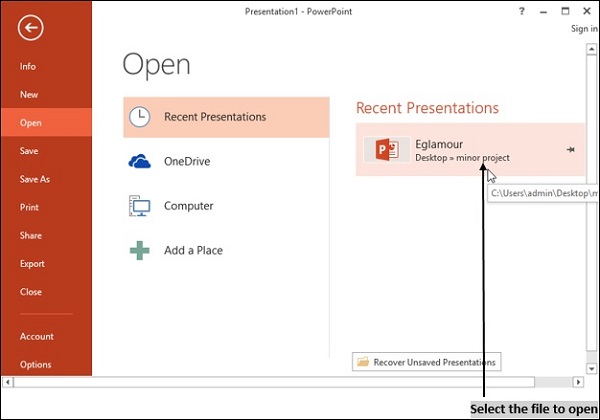
儲存簡報
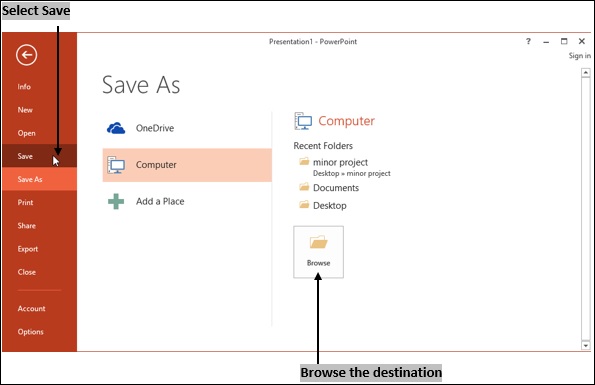
若要儲存簡報,請單擊“檔案”選單並選擇“儲存”選項。
預設情況下,每個簡報將分別儲存為 presentation1、presentation2、presentation3,依此類推。
若要更改預設儲存位置,請選擇 **另存為 → 計算機 → 瀏覽**。
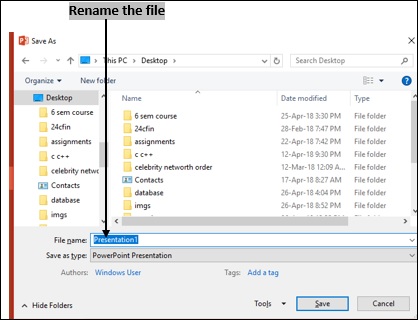
單擊“瀏覽”選項以檢視一個視窗,您可以在其中選擇要儲存該檔案的位置。
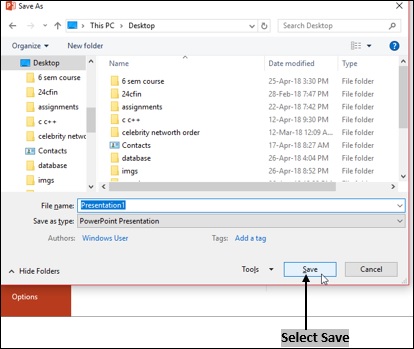
若要重新命名簡報,只需在“檔名”標籤中新增所需名稱。單擊“儲存”。
MS PowerPoint 將檔案儲存為副檔名 (.ppt)。
computer_concepts_application_of_presentations.htm
廣告