

- jQuery 教程
- jQuery - 首頁
- jQuery - 路線圖
- jQuery - 概述
- jQuery - 基礎
- jQuery - 語法
- jQuery - 選擇器
- jQuery - 事件
- jQuery - 屬性
- jQuery - AJAX
- jQuery DOM 操作
- jQuery - DOM
- jQuery - 新增元素
- jQuery - 刪除元素
- jQuery - 替換元素
- jQuery CSS 操作
- jQuery - CSS 類
- jQuery - 尺寸
- jQuery - CSS 屬性
- jQuery 效果
- jQuery - 效果
- jQuery - 動畫
- jQuery - 鏈式操作
- jQuery - 回撥函式
- jQuery 遍歷
- jQuery - 遍歷
- jQuery - 遍歷祖先元素
- jQuery - 遍歷子孫元素
- jQuery UI
- jQuery - 互動
- jQuery - 小部件
- jQuery - 主題
- jQuery 參考
- jQuery - 選擇器
- jQuery - 事件
- jQuery - 效果
- jQuery - HTML/CSS
- jQuery - 遍歷
- jQuery - 其他
- jQuery - 屬性
- jQuery - 工具函式
- jQuery 外掛
- jQuery - 外掛
- jQuery - PagePiling.js
- jQuery - Flickerplate.js
- jQuery - Multiscroll.js
- jQuery - Slidebar.js
- jQuery - Rowgrid.js
- jQuery - Alertify.js
- jQuery - Progressbar.js
- jQuery - Slideshow.js
- jQuery - Drawsvg.js
- jQuery - Tagsort.js
- jQuery - LogosDistort.js
- jQuery - Filer.js
- jQuery - Whatsnearby.js
- jQuery - Checkout.js
- jQuery - Blockrain.js
- jQuery - Producttour.js
- jQuery - Megadropdown.js
- jQuery - Weather.js
- jQuery 有用資源
- jQuery - 問答
- jQuery - 快速指南
- jQuery - 有用資源
- jQuery - 討論
jQuery on() 方法
jQuery 事件on() 方法用於為選定的元素及其任何子元素繫結一個或多個事件處理程式。
它可以處理多個事件以及名稱空間,並且適用於當前元素和將來將新增的元素。
jQuery on() 方法在 jQuery 1.7 版本中引入,它提供了一種處理事件的適當方法,取代了 bind()、live() 和 delegate() 等舊方法。
語法
以下是 jQuery 事件on() 方法的語法:
$(selector).on(events, [selector], [data], handler)
引數
此方法接受四個引數,分別為“events”、“selector”、“data”和“handler”,如下所述:
- events - 一個或多個以空格分隔的事件型別,例如“click”、“submit”,以及可選的名稱空間。
- selector (可選) - 子元素的選擇器。
- data (可選) - 傳遞給函式的附加資料。
- handler - 事件發生時要執行的函式。
返回值
此方法沒有任何返回值。
示例 1
以下是 jQuery 事件on() 方法的基本示例:
<!DOCTYPE html>
<html>
<head>
    <script src="https://ajax.googleapis.com/ajax/libs/jquery/1.7/jquery.min.js"></script>
</head>
<body>
    <p>Click on this paragraph.</p>
    <script>
        $('p').on("click", function(){
            alert("Clicked on paragraph");
        });
    </script>
</body>
</html>
輸出
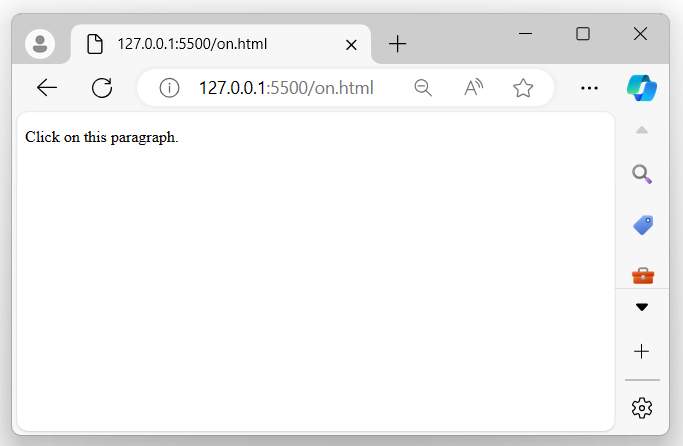
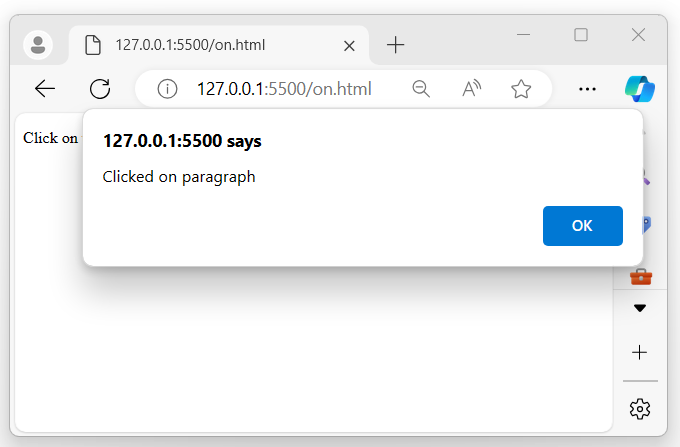
上述程式顯示一段文字,當滑鼠指標單擊它時,瀏覽器螢幕上會出現一個彈出警報:
當滑鼠指標點選顯示的段落時:
示例 2
為選定元素繫結多個事件。
以下是 jQuery 事件on() 方法的另一個示例。我們使用此方法為選定的 div 元素繫結多個事件:
<!DOCTYPE html>
<html>
<head>
    <script src="https://ajax.googleapis.com/ajax/libs/jquery/1.7/jquery.min.js"></script>
   <style>
    div{
        width: 300px;
        padding: 10px;
        transition: 0.5s;
        border-radius: 10px;
        font-size: 20px;
        font-weight: bold;
    }
   </style>
</head>
<body>
    <p>Mouseenter and mouseout on the below element.</p>
    <div>Tutorialspoint</div>
    <script>
        $('div').on({mouseenter: function(){
            $(this).css({"background-color": "green", "color": "white"});
        }, mouseout: function(){
            $(this).css({"background-color": "yellow", "color": "green"});
        }});
    </script>
</body>
</html>
輸出
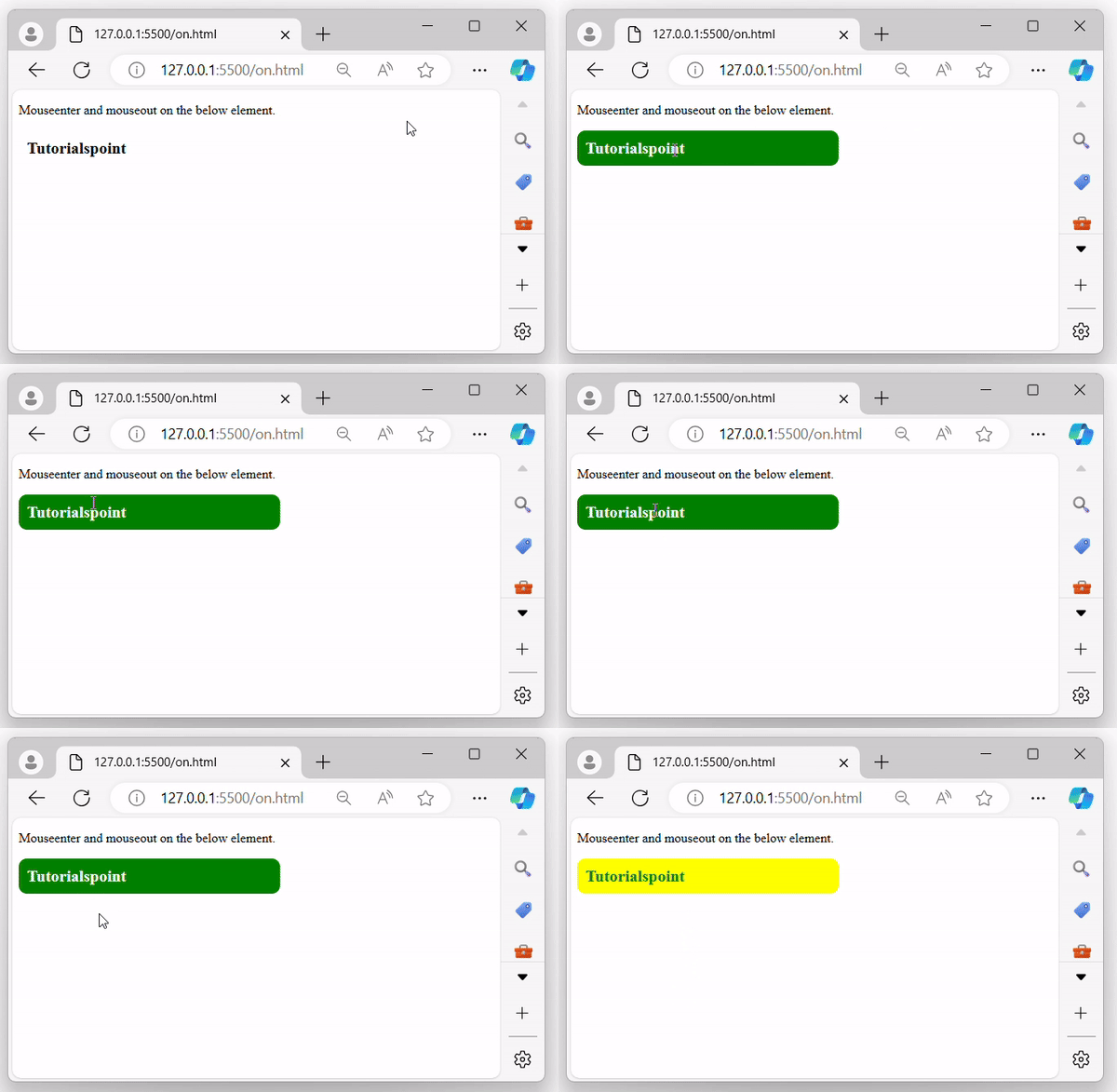
執行上述程式後,將顯示一個 div 元素,當滑鼠指標移入或移出時,背景將相應地更改:
示例 3
將 data 引數值傳遞給事件處理程式函式。
在下面的示例中,我們使用 jQuery on() 方法為按鈕元素繫結“click”事件,並在單擊按鈕時顯示 data 值:
<!DOCTYPE html>
<html>
<head>
    <script src="https://ajax.googleapis.com/ajax/libs/jquery/1.7/jquery.min.js"></script>
    <style>
        button{
            background-color: green;
            color: white;
            width: 100px;
            padding: 10px;
            cursor: pointer;
        }
        span{
            color: green;
        }
    </style>
</head>
<body>
    <p>Click on the below button</p>
    <button>Click me!</button>
    <span></span>
    <script>
        $('button').on("click", {name: "Rahul"}, function(event){
            $('span').text(event.data.name + " is clicked the button");
        })
    </script>
</body>
</html>
輸出
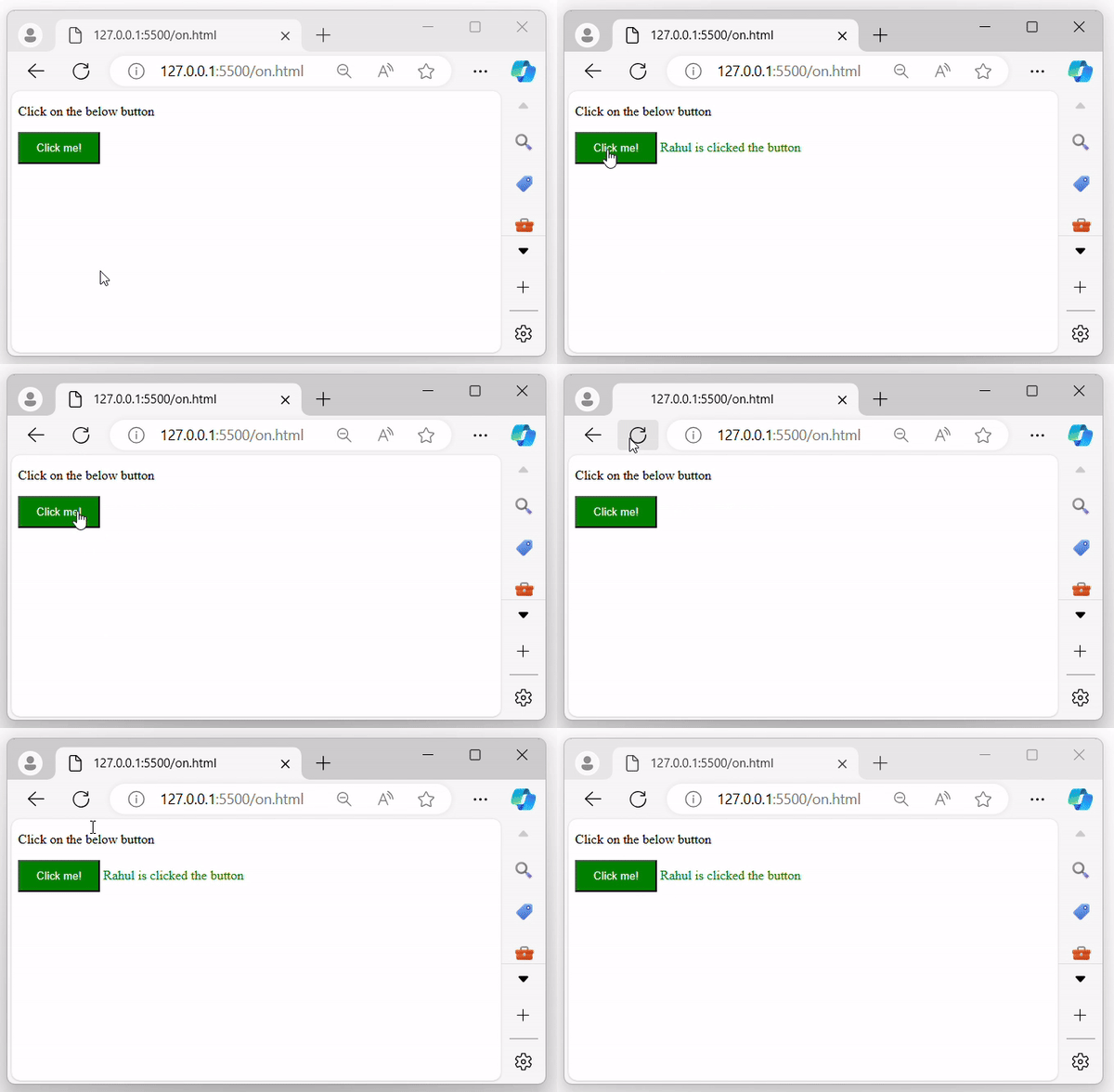
執行上述程式後,將顯示一個按鈕。單擊它時,將傳遞的資料值將顯示在瀏覽器螢幕上:
jquery_ref_events.htm
廣告