

- jQuery 教程
- jQuery - 首頁
- jQuery - 路線圖
- jQuery - 概述
- jQuery - 基礎
- jQuery - 語法
- jQuery - 選擇器
- jQuery - 事件
- jQuery - 屬性
- jQuery - AJAX
- jQuery DOM 操作
- jQuery - DOM
- jQuery - 新增元素
- jQuery - 刪除元素
- jQuery - 替換元素
- jQuery CSS 操作
- jQuery - CSS 類
- jQuery - 尺寸
- jQuery - CSS 屬性
- jQuery 效果
- jQuery - 效果
- jQuery - 動畫
- jQuery - 鏈式操作
- jQuery - 回撥函式
- jQuery 遍歷
- jQuery - 遍歷
- jQuery - 遍歷祖先節點
- jQuery - 遍歷子孫節點
- jQuery UI
- jQuery - 互動
- jQuery - 小部件
- jQuery - 主題
- jQuery 參考
- jQuery - 選擇器
- jQuery - 事件
- jQuery - 效果
- jQuery - HTML/CSS
- jQuery - 遍歷
- jQuery - 雜項
- jQuery - 屬性
- jQuery - 工具函式
- jQuery 外掛
- jQuery - 外掛
- jQuery - PagePiling.js
- jQuery - Flickerplate.js
- jQuery - Multiscroll.js
- jQuery - Slidebar.js
- jQuery - Rowgrid.js
- jQuery - Alertify.js
- jQuery - Progressbar.js
- jQuery - Slideshow.js
- jQuery - Drawsvg.js
- jQuery - Tagsort.js
- jQuery - LogosDistort.js
- jQuery - Filer.js
- jQuery - Whatsnearby.js
- jQuery - Checkout.js
- jQuery - Blockrain.js
- jQuery - Producttour.js
- jQuery - Megadropdown.js
- jQuery - Weather.js
- jQuery 有用資源
- jQuery - 常見問題解答
- jQuery - 快速指南
- jQuery - 有用資源
- jQuery - 討論
jQuery 事件 mouseenter() 方法
jQuery 事件mouseenter() 方法用於將事件處理程式附加到 mouseenter 事件,或者在滑鼠指標進入選定元素時觸發。
mouseenter() 方法類似於 mouseover() 方法;這兩者之間的區別在於 mouseover 事件會冒泡,而 mouseenter 事件不會。
語法
以下是 jQuery 事件mouseenter() 方法的語法:
$(selector).mouseeneter(function)
引數
此方法接受一個可選的引數作為函式,如下所述:
- function - 一個可選的函式,在 mouseenter 事件發生時執行。
返回值
此方法不返回值,但會將事件處理程式附加到 mouseenter 事件。
示例 1
以下是 jQuery 事件mouseenter() 方法的基本示例:
<!DOCTYPE html>
<html>
<head>
<script src="https://ajax.googleapis.com/ajax/libs/jquery/1.7/jquery.min.js"></script>
</head>
<body>
    <p>Mouse pointer enter on me!</p>
    <script>
        $('p').mouseenter(function(){
            alert("Mouse pointer enter on the selected element..!");
        });
    </script>
</body>
</html>
輸出
以上程式會在滑鼠指標進入(或懸停)顯示的訊息時顯示一條訊息,瀏覽器螢幕上會出現一個彈出警報:
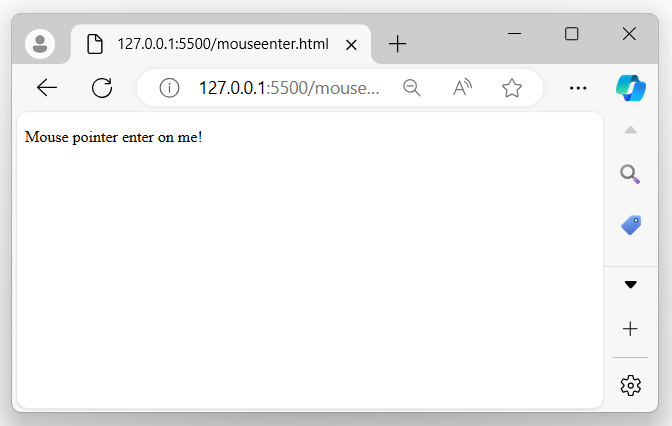
當滑鼠指標進入選定元素時:
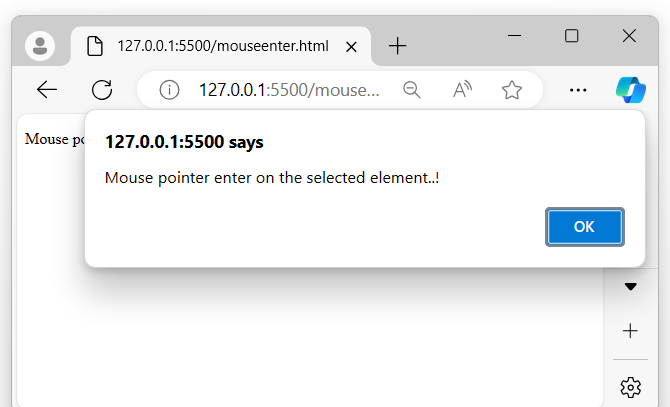
示例 2
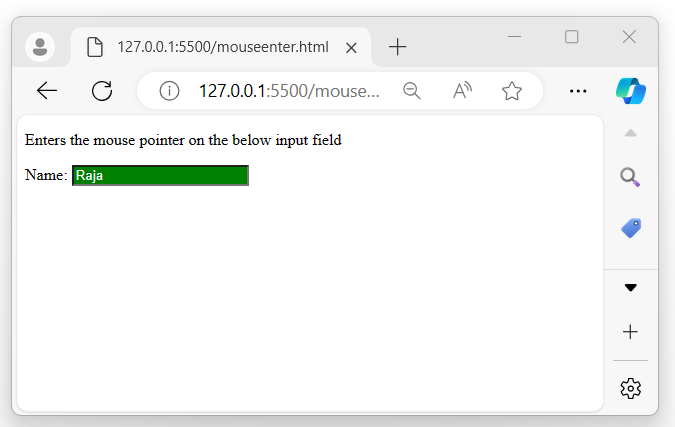
以下是 jQuery 事件mouseenter() 方法的另一個示例。在這裡,當滑鼠指標進入(或懸停)輸入欄位時,我們更改輸入欄位的背景顏色:
<!DOCTYPE html>
<html>
<head>
<script src="https://ajax.googleapis.com/ajax/libs/jquery/1.7/jquery.min.js"></script>
</head>
<body>
    <p>Hovers the mouse pointer on the below input field</p>
    Name: <input type="text" placeholder="Name">
    <script>
        $('input').mouseenter(function(){
            $(this).css({"background-color": "green", "color": "white"});
        });
    </script>
</body>
</html>
輸出
執行以上程式後,將顯示一個輸入欄位,當滑鼠指標進入輸入元素時:
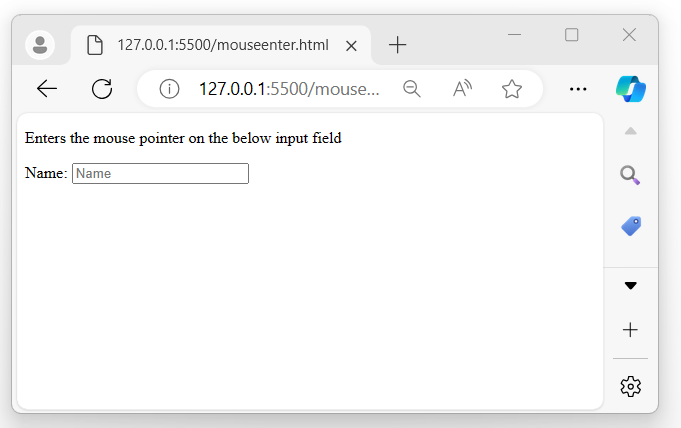
當滑鼠指標進入輸入欄位時:
示例 3
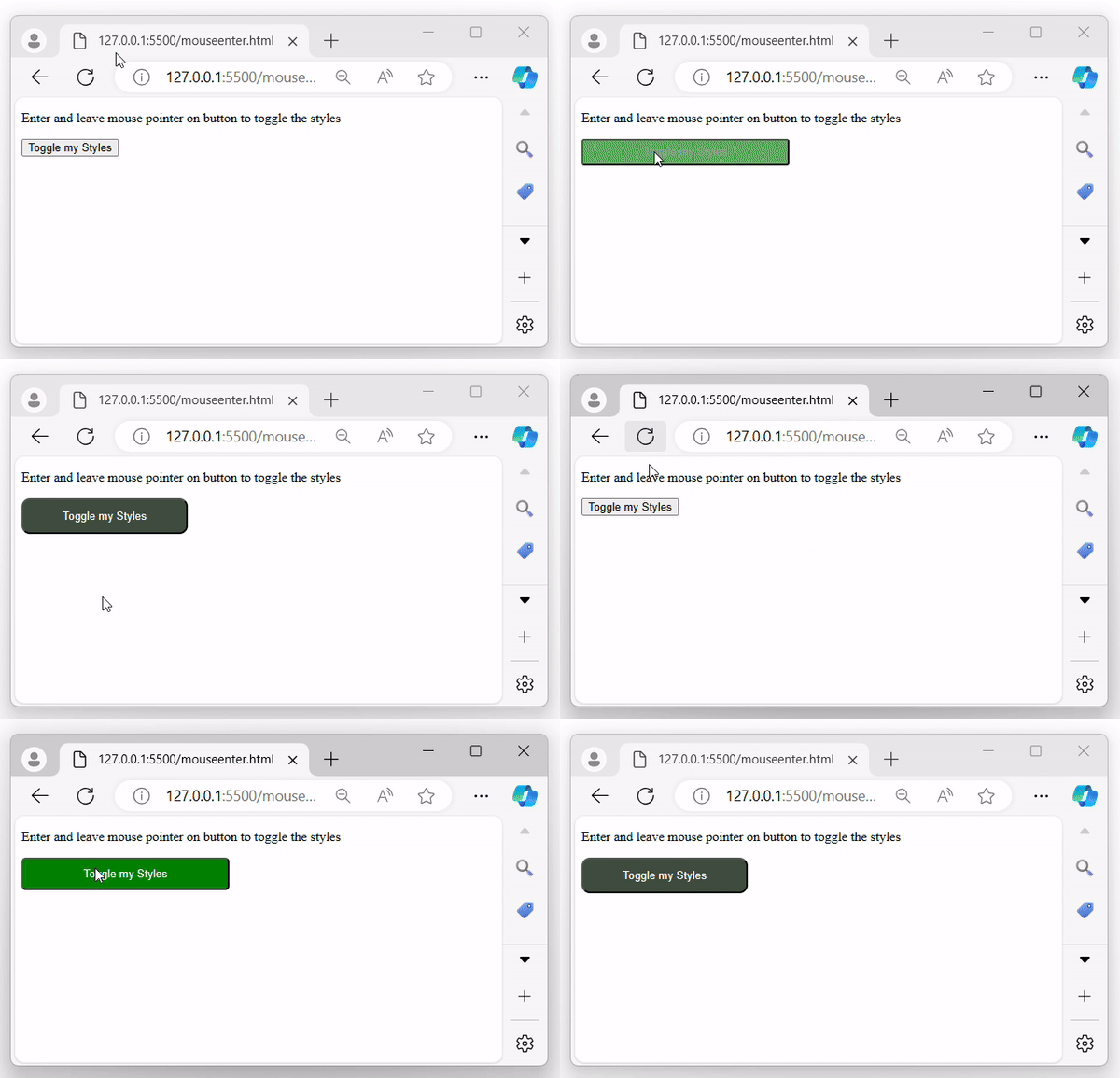
讓我們看看 jQuery 事件mouseenter() 方法的另一種情況。在這裡,我們結合使用 mouseenter 和 mouseover 事件來切換元素的樣式:
<!DOCTYPE html>
<html>
<head>
<script src="https://ajax.googleapis.com/ajax/libs/jquery/1.7/jquery.min.js"></script>
<style>
    .enter{
        width: 250px;
        background-color: green;
        color: white;
        border-radius: 5px;
        padding: 10px;
        transition: 1s;
    }
    .leave{
        width: 200px;
        background-color: rgb(63, 77, 63);
        color: white;
        border-radius: 10px;
        transition: 0.5s;
        padding: 12px;
    }
</style>
</head>
<body>
    <p>Enter and leave mouse pointer on button to toggle the styles</p>
    <button>Toggle my Styles</button>
    <script>
        $('button').mouseenter(function(){
            $(this).addClass('enter');
        }).mouseleave(function(){
            $(this).addClass('leave');
        });
    </script>
</body>
</html>
輸出
執行以上程式後,它會顯示一個按鈕,當滑鼠指標進入按鈕元素時,背景變為“綠色”,當離開時背景變為“黑色”:
jquery_ref_events.htm
廣告