
 資料結構
資料結構 網路
網路 RDBMS
RDBMS 作業系統
作業系統 Java
Java MS Excel
 iOS
iOS HTML
HTML CSS
CSS Android
 Python
 C 程式設計
 C++
C++ C#
C# MongoDB
 MySQL
MySQL Javascript
 PHP
PHP 物理學
物理學 化學
化學 生物學
生物學 數學
數學 英語
英語 經濟學
經濟學 心理學
心理學 社會學
社會學 服裝研究
服裝研究 法學研究
法學研究如何讓 Tkinter 視窗無法調整大小?
Tkinter 初始為每個應用程式建立可調整大小的視窗。假設我們希望在應用程式中建立一個不可調大小的視窗。在這種情況下,我們可以使用resizable(高度,寬度) 並傳遞 height=None 和 width=None 的值。該方法也可以透過傳遞布林值 resizable(False, False) 來工作。
示例
#Import the required libraries
from tkinter import *

#Create an instance of tkinter frame
win= Tk()

#Set the geometry of frame
win.geometry("600x250")

#Set the resizable property False
win.resizable(False, False)

#Create a label for the window or frame
Label(win, text="Hello World!", font=('Helvetica bold',20),
anchor="center").pack(pady=20)

win.mainloop()
輸出
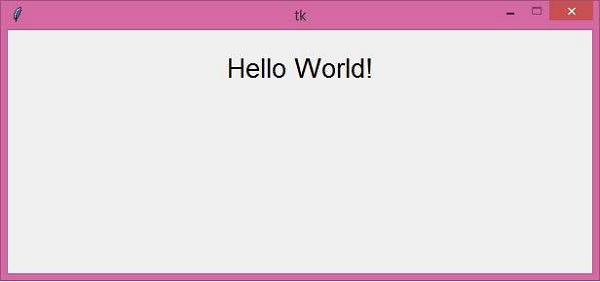
執行以上程式碼將顯示一個不可調大小的視窗。

更新於: 2021 年 3 月 26 日
8 千+ 瀏覽量

廣告