
 資料結構
資料結構 網路
網路 關係型資料庫管理系統
 作業系統
作業系統 Java
Java MS Excel
 iOS
iOS HTML
HTML CSS
CSS Android
 Python
 C 程式設計
 C++
C++ C#
C# MongoDB
 MySQL
MySQL Javascript
 PHP
PHP 物理學
物理學 化學
化學 生物學
生物學 數學
數學 英語
英語 經濟學
經濟學 心理學
心理學 社會學
社會學 時尚研究
時尚研究 法律研究
法律研究如何在 Android 中實現 TextSwitcher?
Android 的 TextSwitcher 元件是一個靈活的工具,它能夠在一個檢視中實現無縫的文字切換。它非常適合展示動態內容或提供即時的視覺反饋。透過對不同文字值之間的切換進行動畫處理,此元件增加了互動性並增強了使用者體驗。
要實現 TextSwitcher,開發人員需要在他們的 XML 佈局中定義物件並分配合適的動畫。然後,他們可以輕鬆地以程式設計方式更新文字內容,透過在各種文字表示之間無縫切換來提高參與度。
TextSwitcher
Android 中的 TextSwitcher 指的是一種 ViewSwitcher,用於處理一個檢視的文字內容更新。它的特點在於在更新顯示文字時具有平滑的過渡效果,透過視覺反饋為使用者提供更好的體驗。換句話說,它包含兩個 TextView 物件,並透過自動動畫在它們之間無縫切換。TextSwitcher 的實現簡化了開發人員在需要動態更新或更改應用程式中各種文字型別時的工作,從而在介面上提供即時更新。
方法
要在 Android 中實現 TextSwitcher,您可以使用不同的方法。以下三種方法是常用的:
以程式設計方式建立和配置 TextSwitcher
使用 XML 佈局建立 TextSwitcher
在自定義類中擴充套件 TextSwitcher
以程式設計方式建立和配置 TextSwitcher
在這種方法中,您以程式設計方式建立一個 TextSwitcher 例項,設定所需的文字切換動畫,並提供一個 ViewFactory 來建立 TextView 物件。最後,您可以動態地將 TextSwitcher 新增到您的佈局中。
演算法
以程式設計方式建立一個 TextSwitcher 例項。
使用 setInAnimation() 和 setOutAnimation() 方法設定文字切換的動畫。
實現一個建立 TextView 物件的 ViewFactory。
將 TextSwitcher 動態新增到所需的佈局中。
示例
import android.content.Context;
import android.view.View;
import android.view.ViewGroup;
import android.widget.TextSwitcher;
import android.widget.TextView;
import android.widget.ViewSwitcher;

public class MainActivity extends AppCompatActivity {
   private TextSwitcher textSwitcher;

   @Override
   protected void onCreate(Bundle savedInstanceState) {
      super.onCreate(savedInstanceState);
      setContentView(R.layout.activity_main);

      textSwitcher = new TextSwitcher(this);
      textSwitcher.setInAnimation(this, android.R.anim.slide_in_left);
      textSwitcher.setOutAnimation(this, android.R.anim.slide_out_right);

      textSwitcher.setFactory(new ViewSwitcher.ViewFactory() {
         @Override
         public View makeView() {
            return new TextView(MainActivity.this);
         }
      });

      ViewGroup parentView = findViewById(R.id.parent_layout);
      parentView.addView(textSwitcher);

      // Update the text in the TextSwitcher
      textSwitcher.setText("click on next button to switch text");
      textSwitcher.setText("Text Switcher 1");
   }
}
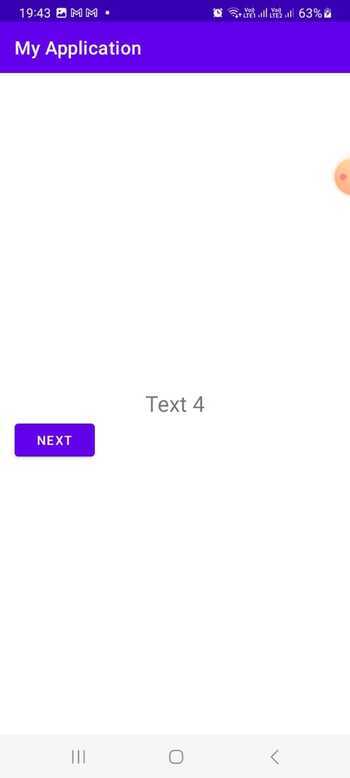
輸出
使用 XML 佈局建立 TextSwitcher
此方法涉及在您的 XML 佈局檔案中定義 TextSwitcher,並指定所需的動畫屬性。在您的 Java 程式碼中,您可以透過其 ID 找到 TextSwitcher,設定 ViewFactory 來建立 TextView 物件,並訪問它以供進一步使用。
演算法
在 XML 佈局中定義 TextSwitcher,並指定動畫屬性。
在 Java 程式碼中使用 findViewById() 找到 TextSwitcher。
設定一個建立 TextView 物件的 ViewFactory 實現。
訪問 TextSwitcher 以供進一步使用。
activity_main.xml
<LinearLayout
   xmlns:android="http://schemas.android.com/apk/res/android"
   xmlns:tools="http://schemas.android.com/tools"
   android:id="@+id/parent_layout"
   android:layout_width="match_parent"
   android:layout_height="match_parent"
   android:orientation="vertical"
   android:gravity="center">

   <TextSwitcher
      android:id="@+id/textSwitcher"
      android:layout_width="wrap_content"
      android:layout_height="wrap_content"
      android:inAnimation="@android:anim/slide_in_left"
      android:outAnimation="@android:anim/slide_out_right" />
</LinearLayout>
示例
import android.os.Bundle;
import android.widget.TextSwitcher;
import android.widget.TextView;
import android.widget.ViewSwitcher;

public class MainActivity extends AppCompatActivity {
   private TextSwitcher textSwitcher;

   @Override
   protected void onCreate(Bundle savedInstanceState) {
      super.onCreate(savedInstanceState);
      setContentView(R.layout.activity_main);

      textSwitcher = findViewById(R.id.textSwitcher);
      textSwitcher.setFactory(new ViewSwitcher.ViewFactory() {
         @Override
         public View makeView() {
            return new TextView(MainActivity.this);
         }
      });

      // Update the text in the TextSwitcher
      textSwitcher.setText("click on next button to switch text ");
      textSwitcher.setText("Text Switcher 1");
   }
}
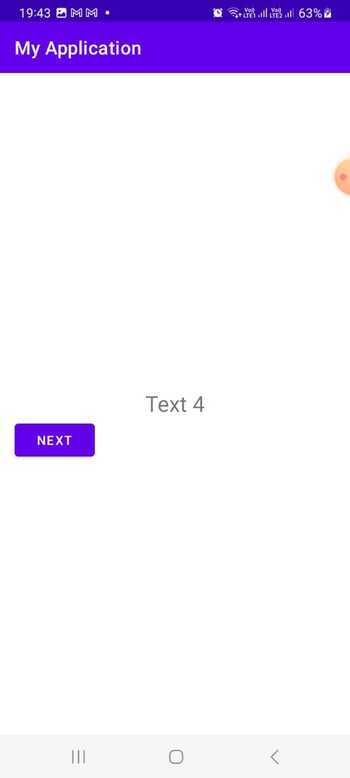
輸出
在自定義類中擴充套件 TextSwitcher
透過這種方法,您可以建立一個擴充套件 TextSwitcher 的自定義類,如果需要,可以定義其他配置。您可以在 XML 佈局檔案中使用此自定義 TextSwitcher 類,並提供所需的動畫屬性。在您的 Java 程式碼中,您可以透過其 ID 找到自定義 TextSwitcher,並在您的應用程式中使用它。
演算法
建立一個擴充套件 TextSwitcher 的自定義類。
在自定義 TextSwitcher 類中實現必要的配置和自定義。
在 XML 佈局中宣告自定義 TextSwitcher,並指定動畫屬性。
在 Java 程式碼中使用 findViewById() 找到自定義 TextSwitcher。
根據需要在您的應用程式中使用自定義 TextSwitcher。
CustomTextSwitcher.java
import android.content.Context;
import android.util.AttributeSet;
import android.view.View;
import android.widget.TextSwitcher;
import android.widget.TextView;
import android.widget.ViewSwitcher;

public class CustomTextSwitcher extends TextSwitcher {
   public CustomTextSwitcher(Context context) {
      super(context);
      init();
   }

   public CustomTextSwitcher(Context context, AttributeSet attrs) {
      super(context, attrs);
      init();
   }

   private void init() {
      setInAnimation(getContext(), android.R.anim.slide_in_left);
      setOutAnimation(getContext(), android.R.anim.slide_out_right);

      setFactory(new ViewSwitcher.ViewFactory() {
         @Override
         public View makeView() {
            return new TextView(getContext());
         }
      });
   }
}
示例
import android.os.Bundle;
import androidx.appcompat.app.AppCompatActivity;
import com.example.app.CustomTextSwitcher;

public class MainActivity extends AppCompatActivity {
   private CustomTextSwitcher textSwitcher;

   @Override
   protected void onCreate(Bundle savedInstanceState) {
      super.onCreate(savedInstanceState);
      setContentView(R.layout.activity_main);

      textSwitcher = findViewById(R.id.textSwitcher);

      // Update the text in the TextSwitcher
      textSwitcher.setText("click on next button to switch text");
      textSwitcher.setText("Text Switcher 1");
   }
}
activity_main.xml
<LinearLayout
   xmlns:android="http://schemas.android.com/apk/res/android"
   xmlns:tools="http://schemas.android.com/tools"
   android:id="@+id/parent_layout"
   android:layout_width="match_parent"
   android:layout_height="match_parent"
   android:orientation="vertical"
   android:gravity="center">

   <com.example.app.CustomTextSwitcher
      android:id="@+id/textSwitcher"
      android:layout_width="wrap_content"
      android:layout_height="wrap_content" />
</LinearLayout>
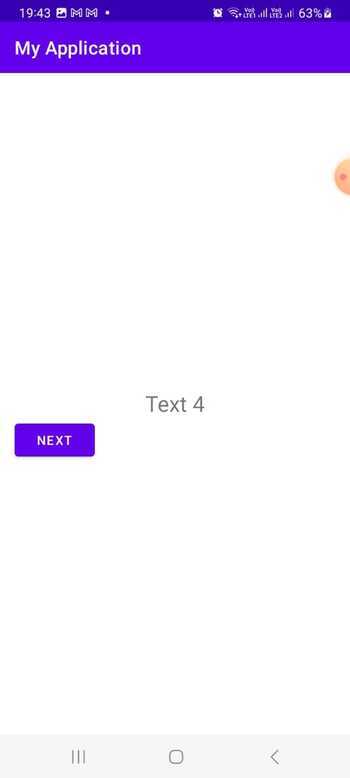
輸出
結論
Android 中的 TextSwitcher 是一個強大的元件,可以促進在一個檢視中對各種文字值的無縫切換和動畫處理。本教程重點介紹瞭如何有效地使用此功能。透過使用各種方法實現 TextSwitcher,例如以程式設計方式配置它、使用 XML 佈局或擴充套件自定義類,開發人員可以輕鬆地動態顯示和切換文字內容,從而增強使用者體驗。

287 次瀏覽
