
 資料結構
資料結構 網路
網路 關係型資料庫管理系統
 作業系統
作業系統 Java
Java MS Excel
 iOS
iOS HTML
HTML CSS
CSS Android
 Python
 C 程式設計
 C++
C++ C#
C# MongoDB
 MySQL
MySQL Javascript
 PHP
PHP 物理學
物理學 化學
化學 生物學
生物學 數學
數學 英語
英語 經濟學
經濟學 心理學
心理學 社會學
社會學 時尚研究
時尚研究 法律研究
法律研究如何在 Matplotlib 中更改“儲存圖片”的預設路徑?
要更改“儲存圖片”的預設路徑,我們可以使用 rcParams["savefig.directory"] 來設定目錄路徑。
步驟
- 設定圖形大小和調整子圖之間和周圍的填充。
- 使用 numpy 建立隨機資料。
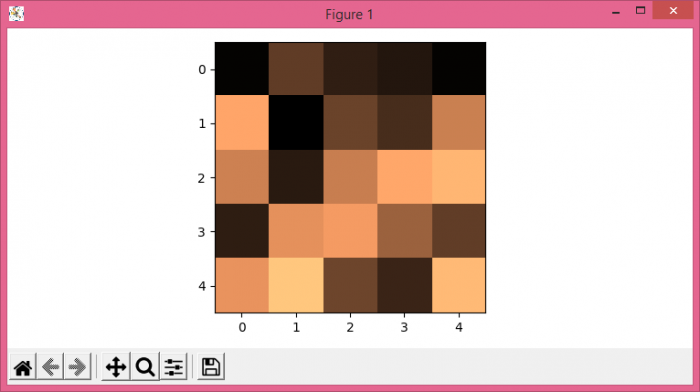
- 使用 imshow() 方法。將資料顯示為影像,即,在 2D 規則光柵上。
- 使用 plt.savefig() 方法儲存圖形。
示例
import os
import numpy as np
from matplotlib import pyplot as plt

plt.rcParams["figure.figsize"] = [7.50, 3.50]
plt.rcParams["figure.autolayout"] = True

dir_name = "C:/Windows/Temp/"

plt.rcParams["savefig.directory"] = os.chdir(os.path.dirname(dir_name))
data = np.random.rand(5, 5)

plt.imshow(data, cmap="copper")

plt.savefig("img.png")
輸出
當我們執行程式碼時,它會將以下繪圖以“img.png”儲存到指定的路徑:“C:/Windows/Temp/”

更新日期:2021 年 6 月 17 日
4000+ 瀏覽量

廣告