
 資料結構
資料結構 網路
網路 RDBMS
RDBMS 作業系統
作業系統 Java
Java MS Excel
 iOS
iOS HTML
HTML CSS
CSS Android
 Python
 C 程式設計
 C++
C++ C#
C# MongoDB
 MySQL
MySQL Javascript
 PHP
PHP 物理
物理 化學
化學 生物
生物 數學
數學 英語
英語 經濟學
經濟學 心理學
心理學 社會學
社會學 時尚學
時尚學 法學
法學HTML DOM 錨點下載屬性
HTML DOM 下載屬性用於設定或返回連結的download屬性的值。
以下是設定download屬性的語法 -
anchorObject.download = file
上文中的,file表示你可以為要下載的檔案設定的檔名。實際的副檔名將字尾。
以下是返回download屬性的語法: anchorObject.download
現在讓我們看一個示例來實現DOM錨點下載屬性 -
示例
<!DOCTYPE html>
<html>
<body>
<h2>ReactJS</h2>
<a id="myid" href="https://tutorialspoint.tw/images/reactjs.png" download="Learn
ReactJS">
<img src="https://tutorialspoint.tw/images/reactjs.png" alt="ReactJS" width="200"
height="200"></a>
<button onclick="display()">Display the value</button>
<p id="demo"></p>
<script>
   function display() {
      var val = document.getElementById("myid").download;
   document.getElementById("demo").innerHTML = val;
   }
</script>
</body>
</html>
輸出
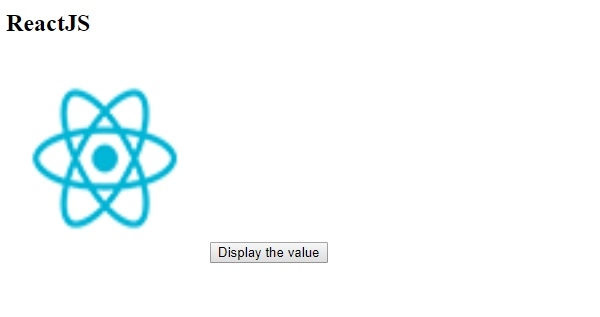
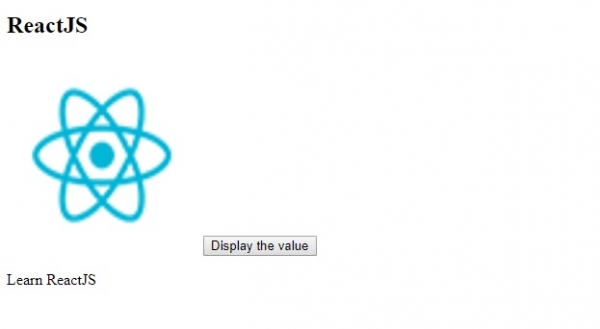
現在,點選按鈕以顯示值 -

更新時間: 2019-7-30
103 瀏覽

廣告