
 資料結構
資料結構 網路
網路 RDBMS
RDBMS 作業系統
作業系統 Java
Java MS Excel
 iOS
iOS HTML
HTML CSS
CSS Android
 Python
 C 程式設計
 C++
C++ C#
C# MongoDB
 MySQL
MySQL Javascript
 PHP
PHP 物理學
物理學 化學
化學 生物學
生物學 數學
數學 英語
英語 經濟學
經濟學 心理學
心理學 社會研究
社會研究 時尚研究
時尚研究 法律研究
法律研究如何在 Tkinter 中將影像用作背景?
如果我們建立一個 Tkinter 框架例項並在執行時顯示視窗,那麼它將顯示預設輸出畫布。但是,我們可以使用 PhotoImage 方法和 Canvas 方法在 Tkinter 框架中將影像新增為背景。
由於 Tkinter 中的影像支援僅限於 Gif、PNG 和 PPM,因此 PhotoImage(GIF, PNG, PPM) 函式獲取影像檔案的位置,並顯示具有影像背景的畫布。
首先,我們將使用 PhotoImage 函式建立一個 PhotoImage 物件。
示例
from tkinter import *
from PIL import ImageTk

win = Tk()
win.geometry("700x300")

#Define the PhotoImage Constructor by passing the image file
img= PhotoImage(file='down.png', master= win)
img_label= Label(win,image=img)

#define the position of the image
img_label.place(x=0, y=0)

win.mainloop()
輸出
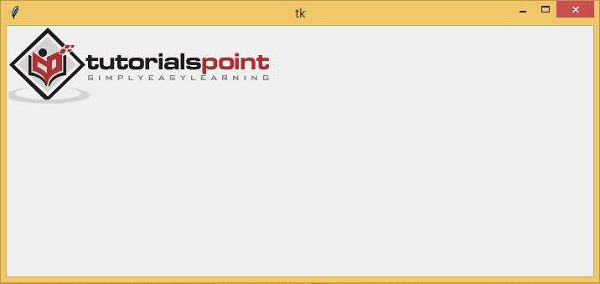
執行上述程式碼片段將顯示一個具有背景影像的視窗。

更新於: 2021 年 3 月 6 日
8K+ 瀏覽量

廣告