
 資料結構
資料結構 網路
網路 關係型資料庫管理系統
 作業系統
作業系統 Java
Java Microsoft Excel
 iOS
iOS HTML
HTML CSS
CSS Android
 Python
 C 程式設計
 C++
C++ C#
C# MongoDB
 MySQL
MySQL Javascript
 PHP
PHP 物理學
物理學 化學
化學 生物學
生物學 數學
數學 英語
英語 經濟學
經濟學 心理學
心理學 社會學
社會學 時尚研究
時尚研究 法律研究
法律研究如何將 Tkinter 視窗置於其他視窗之上?
無論何時我們建立一個 GUI 程式,tkinter 通常在後臺顯示輸出螢幕。換句話說,tkinter 會將程式視窗顯示在其他程式後面。要將 tkinter 視窗置於其他視窗之上,我們需要使用 attributes('- topmost',True) 屬性。它會將視窗拉到最上面。
示例
#Importing the library
from tkinter import *

#Create an instance of tkinter window or frame
win= Tk()

#Setting the geometry of window
win.geometry("600x350")

#Create a Label
Label(win, text= "Hello World! ",font=('Helvetica bold', 15)).pack(pady=20)

#Make the window jump above all
win.attributes('-topmost',True)

win.mainloop()
輸出
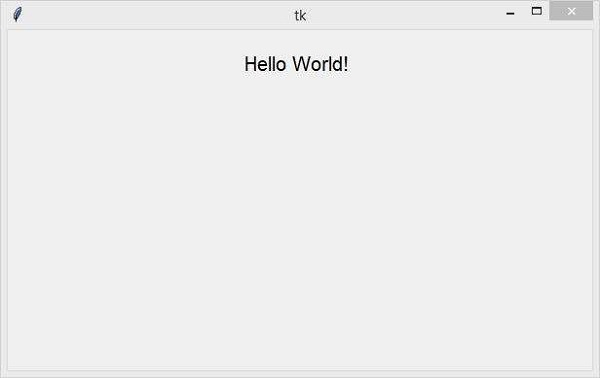
執行以上程式碼將使視窗一直位於所有其他視窗之上 −

更新日期: 26-03-2021
1.1 萬+ 瀏覽

廣告