
 資料結構
資料結構 網路
網路 關係資料庫管理系統 (RDBMS)
 作業系統
作業系統 Java
Java MS Excel
 iOS
iOS HTML
HTML CSS
CSS Android
 Python
 C語言程式設計
 C++
C++ C#
C# MongoDB
 MySQL
MySQL Javascript
 PHP
PHP 物理學
物理學 化學
化學 生物學
生物學 數學
數學 英語
英語 經濟學
經濟學 心理學
心理學 社會學
社會學 服裝設計
服裝設計 法學
法學如何在MATLAB中建立超連結元件?
在MATLAB中,我們可以使用MATLAB內建的GUI環境“App Designer”來建立超連結元件。“App Designer”環境允許建立多種型別的GUI元件,例如超連結、按鈕、滑塊、文字欄位等。
要在MATLAB中建立超連結元件,可以使用內建選項“uihyperlink”。此函式在MATLAB中建立一個GUI超連結元件。此函式允許使用者單擊一下即可瀏覽網路資源。“uihyperlink”函式在MATLAB應用程式中建立一個超連結物件。“uihyperlink”函式可以具有以下語法。
(1). 使用預設屬性建立超連結物件
語法
要使用預設屬性建立超連結元件,可以使用“uihyperlink”函式的以下語法:
hlink = uihyperlink;
“uihyperlink”函式的此語法將建立一個具有預設屬性的超連結元件,並將其顯示在新GUI圖形視窗中。
MATLAB程式 (1)
以下MATLAB程式演示了“uihyperlink”函式此語法的實現。
% Create a hyperlink component with default properties
hlink = uihyperlink;
輸出
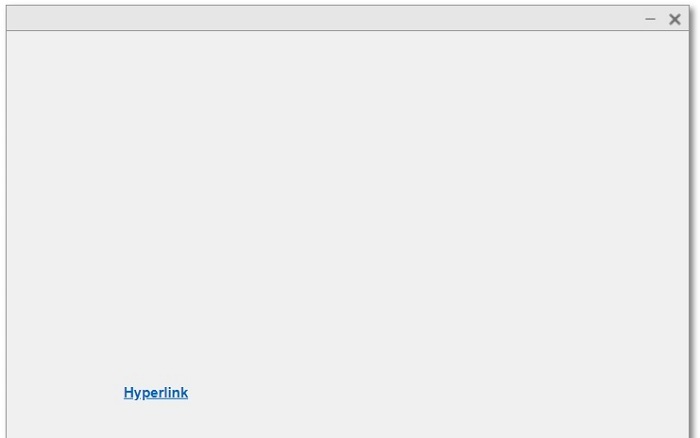
程式碼解釋
執行此MATLAB程式碼後,它將開啟一個GUI圖形視窗,其中顯示一個名為“Hyperlink”的超連結元件。
(2). 在父容器中建立超連結元件
語法
“uihyperlink”函式的以下語法用於在父容器中建立超連結元件:
hlink = uihyperlink(parent);
此處,父容器可以使用MATLAB中的“uifigure”選項建立。
“uihyperlink”函式的此語法將建立一個超連結元件,並將其作為子項放置在指定的父容器中。
Matlab 例子 (2)
以下MATLAB程式演示了此語法的用法。
% MATLAB program to create a hyperlink component with parent container
% Create a GUI figure container
fig = uifigure;

% Create a hyperlink component with parent container
hlink = uihyperlink(fig);
輸出
程式碼解釋
此MATLAB程式碼將建立一個文字為“Hyperlink”的超連結元件,並將其作為圖形的子項放置。因此,此超連結元件“Hyperlink”將顯示在GUI圖形視窗中。
(3). 使用自定義屬性建立超連結元件
我們還可以使用自定義屬性在MATLAB中建立超連結元件。為此,可以使用“uihyperlink”函式的以下語法:
hlink = uihyperlink(parent, PropertyName, PropertyValue,…);
在這種情況下,我們使用名稱-值對定義超連結元件的自定義屬性。
Matlab 例子 (3)
以下MATLAB程式演示了“uihyperlink”函式此語法的實現。
% MATLAB code to create a hyperlink component with custom properties
% Create a GUI figure as the parent container
fig = uifigure;

% Create a hyperlink with custom Text and URL
hlink = uihyperlink(fig, 'Text', 'Tutorials Point', 'URL', 'https://tutorialspoint.tw');
輸出
程式碼解釋
此MATLAB程式碼將建立一個自定義文字為“Tutorials Point”和URL為https://tutorialspoint.tw的超連結元件。因此,單擊此超連結元件將開啟Tutorials Point網站。
示例 (1) – 建立一個超連結元件,將文字重定向到指定的網路連結。
在簡要概述了“uihyperlink”函式的不同語法之後。現在讓我們討論一些示例程式,以瞭解“uihyperlink”元件的應用程式。
% MATLAB code to create a hyperlink to connect the text to a specified link
% Create a figure window
fig = uifigure;

% Create a hyperlink component to connect the link and text
hlink = uihyperlink(fig, 'Text', 'Tutorials Point', 'URL', 'https://tutorialspoint.tw', 'Position', [200, 200, 150, 40], 'FontColor', [0, 0.7, 0]);
輸出
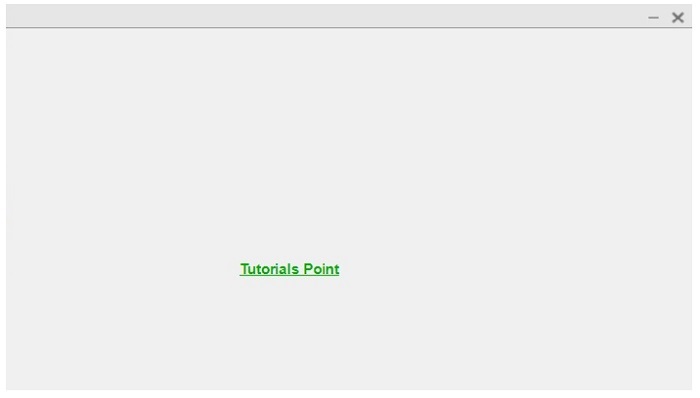
解釋
當用戶單擊連結文字“Tutorials Point”時,他將被重定向到Tutorials Point網站。
示例 (2) – 建立一個超連結元件並顯示自定義工具提示
% MATLAB code to create a hyperlink and display custom tooltip
% Create a figure window
fig = uifigure;

% Create a hyperlink component to display a custom tooltip
hlink = uihyperlink(fig, 'Text', 'Tutorials Point', 'URL', 'https://tutorialspoint.tw', 'Position', [200, 200, 150, 40], 'FontColor', [0, 0.7, 0], 'Tooltip', 'Click to Visit TutorialsPoint');
輸出
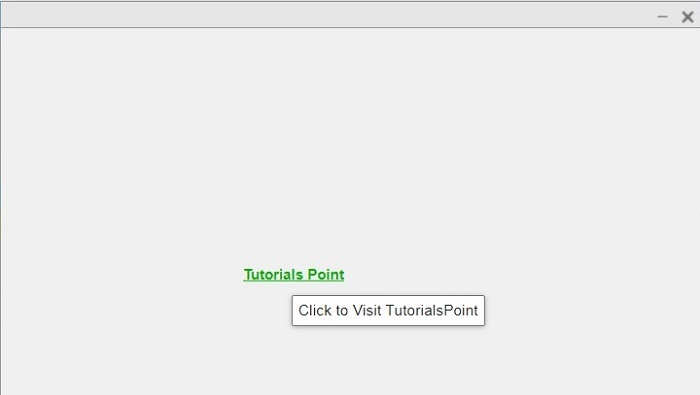
解釋
當用戶將滑鼠指標懸停在超連結文字“Tutorials Point”上時,將顯示一個顯示“單擊訪問TutorialsPoint”的工具提示。
示例 (3) – 建立超連結元件以傳送電子郵件
% MATLAB code to create a hyperlink to send an email
% Create a figure window
fig = uifigure;

% Create a hyperlink component to connect the link and text
hlink = uihyperlink(fig, 'Text', 'Contact Tutorials Point', 'URL', ['mailto:', 'contact@tutorialspoint.com'], 'Position', [200, 200, 150, 40]);
輸出
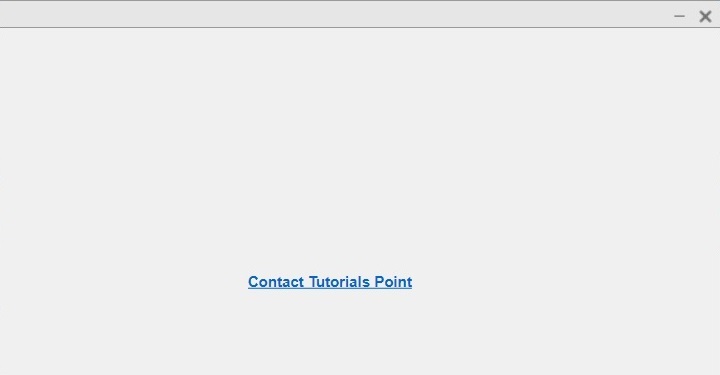
解釋
此MATLAB程式碼將顯示一個包含超連結元件“聯絡Tutorials Point”的圖形視窗。當用戶單擊此超連結元件時,他將被重定向到預設的電子郵件服務以向Tutorials Point傳送電子郵件。
結論
這就是關於如何在MATLAB中建立超連結元件的所有內容。在MATLAB中,可以使用“uihyperlink”函式來建立一個互動式超連結元件。本文以上部分藉助示例程式解釋了針對不同用例建立超連結元件的方法。

瀏覽量:100
