
 資料結構
資料結構 網路
網路 RDBMS
RDBMS 作業系統
作業系統 Java
Java MS Excel
 iOS
iOS HTML
HTML CSS
CSS Android
 Python
 C 程式設計
 C++
C++ C#
C# MongoDB
 MySQL
MySQL Javascript
 PHP
PHP 物理學
物理學 化學
化學 生物學
生物學 數學
數學 英語
英語 經濟學
經濟學 心理學
心理學 社會學
社會學 服飾學
服飾學 法學
法學使用 Matplotlib 動畫更新 X 軸值
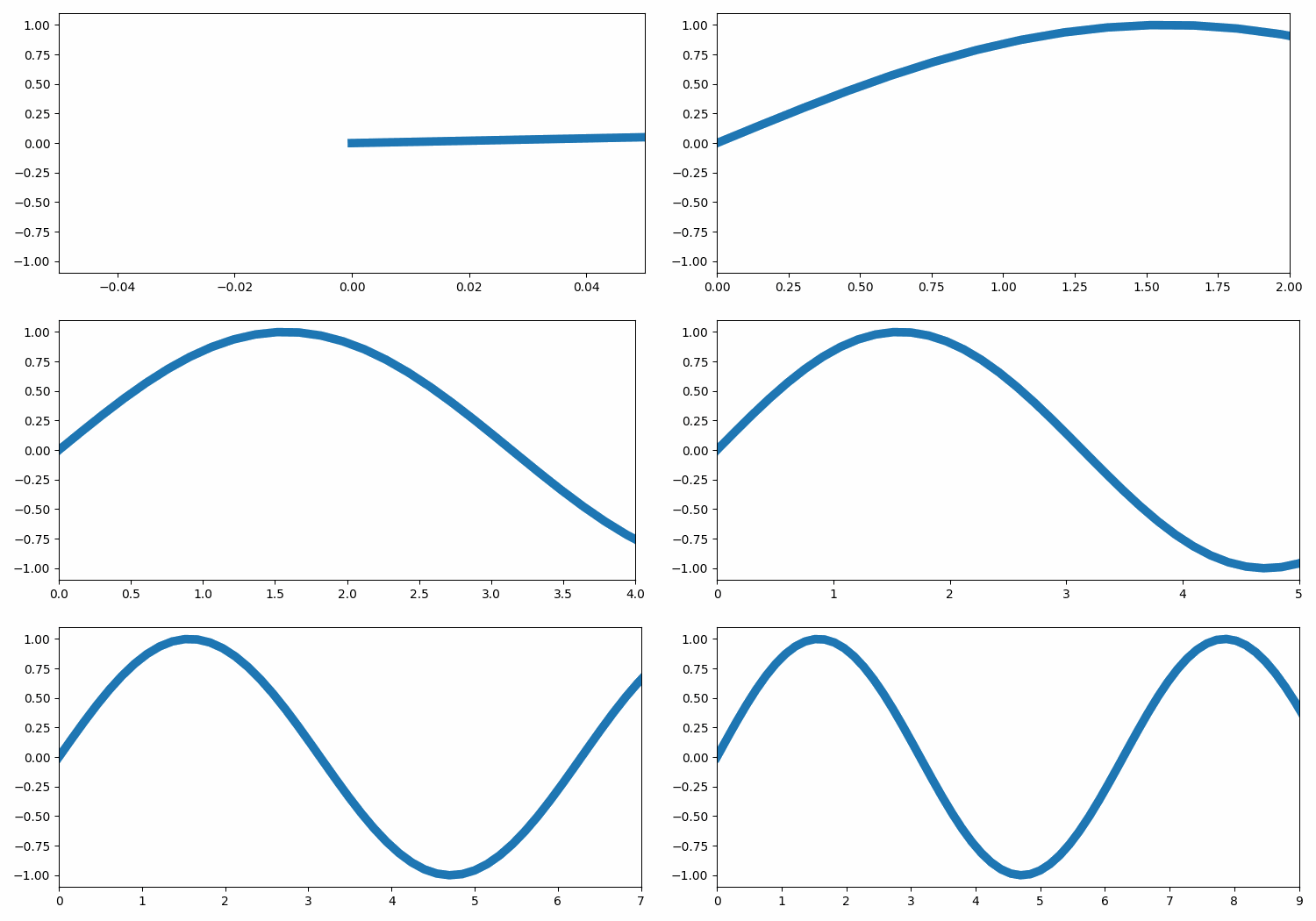
要使用 Matplotlib 動畫更新 X 軸值,我們可以採取以下步驟 -
- 設定 figures 大小並調整子圖之間和周圍的邊距。
- 建立一個 figure 和一組子圖。
- 使用 numpy 建立 x 和 y 資料點。
- 使用軸 (ax) 上的繪圖方法繪出 x 和 y 資料點。
- 透過反覆呼叫函式 animate 來製作動畫,設定 X 軸值與幀每幀一致。
- 要顯示 figures,請使用 show() 方法。
舉例
import matplotlib.pylab as plt
import matplotlib.animation as animation
import numpy as np

plt.rcParams["figure.figsize"] = [7.50, 3.50]
plt.rcParams["figure.autolayout"] = True

fig, ax = plt.subplots()
x = np.linspace(0, 15, 100)
y = np.sin(x)

ax.plot(x, y, lw=7)

def animate(frame):
   ax.set_xlim(left=0, right=frame)

ani = animation.FuncAnimation(fig, animate, frames=10)

plt.show()
輸出


更新於: 04-Aug-2021
2K+ 瀏覽量

廣告