
 資料結構
資料結構 網路
網路 關係型資料庫管理系統
 作業系統
作業系統 Java
Java MS Excel
 iOS
iOS HTML
HTML CSS
CSS Android
 Python
 C 程式設計
 C++
C++ C#
C# MongoDB
 MySQL
MySQL Javascript
 PHP
PHP 物理
物理 化學
化學 生物
生物 數學
數學 英語
英語 經濟學
經濟學 心理學
心理學 社會學
社會學 時尚研究
時尚研究 法學
法學匹配的樣式 element while performing paste - jQuery?
為此,請使用 <pre> 標籤。將其設定為 contenteditable -
<pre id="data" contenteditable></pre>
我們為貼上設定了以下樣式 -
<style>
   pre {
      min-height: 150px;
      min-width: 300px;
      font-family: 'Times New Roman', Times, serif;
      white-space: pre;
      background-color: rgb(19, 22, 27);
      color: #98d8e7;
   }
</style>
現在,你可以使用貼上事件監聽器 -
var getTheData = document.getElementById('data');
getTheData.addEventListener('paste', PutTheDataOnEditor);
示例
以下為該程式碼 -
<!DOCTYPE html>
<html lang="en">
<head>
   <meta charset="UTF-8">
   <meta name="viewport" content="width=device-width, initial-scale=1.0">
   <title>Document</title>
</head>
<link rel="stylesheet" href="//code.jquery.com/ui/1.12.1/themes/base/jquery-ui.css">
<script src="https://code.jquery.com/jquery-1.12.4.js"></script>
<script src="https://code.jquery.com/ui/1.12.1/jquery-ui.js"></script>
<style>
pre {
   min-height: 150px;
   min-width: 300px;
   font-family: 'Times New Roman', Times, serif;
   white-space: pre;
   background-color: rgb(19, 22, 27);
   color: #98d8e7;
  }
</style>
<body>
   <pre id="data" contenteditable></pre>
</body>
<script>
   function PutTheDataOnEditor(event) {
      event.preventDefault();
      const textData = event.clipboardData.getData("text");
      event.target.innerHTML = textData;
      console.log(textData);
   }
var getTheData = document.getElementById('data');
getTheData.addEventListener('paste', PutTheDataOnEditor);
</script>
</html>
輸出
輸出如下 -
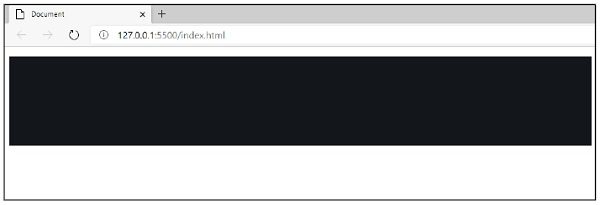
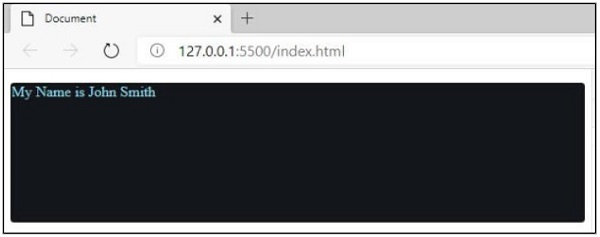
現在,我準備從記事本中複製一些值並貼上到此編輯器中。
輸出
輸出如下 -
輸出
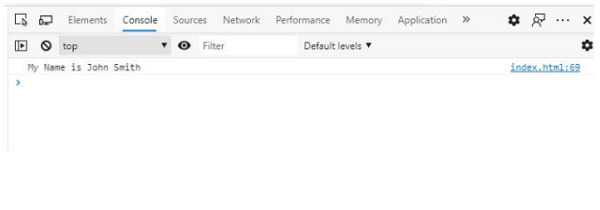
輸出如下 -

更新於:2020 年 10 月 3 日
75 次瀏覽

廣告