
 資料結構
資料結構 網路
網路 RDBMS
RDBMS 作業系統
作業系統 Java
Java MS Excel
 iOS
iOS HTML
HTML CSS
CSS Android
 Python
 C 程式設計
 C++
C++ C#
C# MongoDB
 MySQL
MySQL Javascript
 PHP
PHP 物理
物理 化學
化學 生物
生物 數學
數學 英語
英語 經濟
經濟 心理學
心理學 社會研究
社會研究 時尚研究
時尚研究 法律研究
法律研究HTML DOM 文字區域 readOnly 屬性
HTML DOM 文字區域 readOnly 屬性返回並修改在 HTML 文件中文字區域元素的內容是否應為只讀。
語法
以下為語法 −
1. 讀取 readOnly
object.readOnly
2. 新增 readOnly
object.readOnly = true | false
讓我們來看一個 HTML DOM 文字區域 readOnly 屬性的示例 −
示例
<!DOCTYPE html>
<html>
<style>
   body {
      color: #000;
      background: lightseagreen;
      height: 100vh;
   }
   .btn {
      background: #db133a;
      border: none;
      height: 2rem;
      border-radius: 2px;
      width: 40%;
      display: block;
      color: #fff;
      outline: none;
      cursor: pointer;
   }
</style>
<body>
<h1>DOM Textarea readOnly Property Demo</h1>
<textarea rows="5" cols='20' name="I'm name attribute of textarea element">
Hi! I'm a text area element with some dummy text.
</textarea>
<button onclick="set()" class="btn">Toggle Read Only</button>
<script>
   function set() {
      var ta = document.querySelector("textarea");
      if (ta.readOnly === true) {
         ta.readOnly = false;
      } else {
         ta.readOnly = true;
      }
   }
</script>
</body>
</html>
輸出
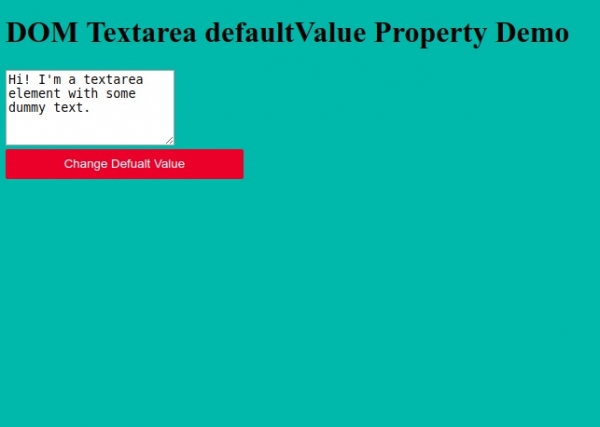
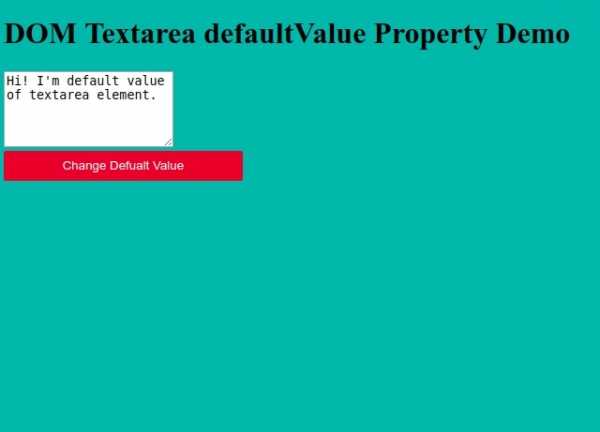
單擊“切換隻讀”按鈕可切換文字區域元素的 readOnly 屬性值。

更新於:20-6 月-2020
170 次瀏覽

廣告