
 資料結構
資料結構 網路
網路 RDBMS
RDBMS 作業系統
作業系統 Java
Java MS Excel
 iOS
iOS HTML
HTML CSS
CSS Android
 Python
 C 程式設計
 C++
C++ C#
C# MongoDB
 MySQL
MySQL Javascript
 PHP
PHP 物理學
物理學 化學
化學 生物學
生物學 數學
數學 英語
英語 經濟學
經濟學 心理學
心理學 社會學
社會學 時尚學
時尚學 法律學
法律學HTML 畫布 strokeRect() 方法
HTML 畫布 strokeRect() 方法用於在網頁上建立一個矩形。<canvas> 元素允許你在網頁上使用 Javascript 繪製圖形。每個畫布具有兩個描述畫布高度和寬度的元素,即高度和寬度。
以下為語法 −
context.strokeRect(p,q,width,height);
以上,
- p − 矩形左上角的 x 座標
- q − 矩形左上角的 y 座標
- width − 矩形的寬度
- height − 矩形的高度
現在讓我們看一個實現畫布 strokeStyle 屬性的示例 −
示例
<!DOCTYPE html>
<html>
<body>
<canvas id="newCanvas" width="550" height="400" style="border −2px solid orange;"></canvas>
<script>
   var c = document.getElementById("newCanvas");
   var ctx = c.getContext("2d");
   ctx.strokeRect(120, 120, 220, 120);
</script>
</body>
</html>
輸出
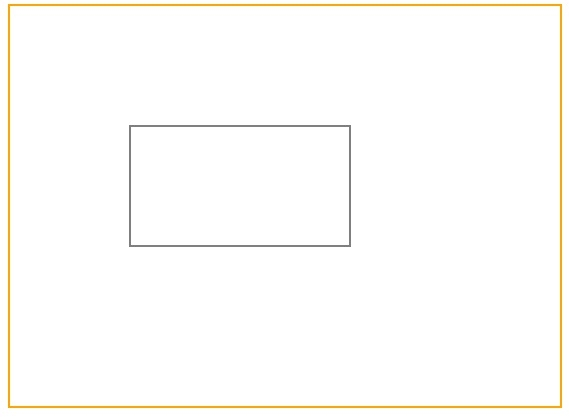

更新於:30-07-2019
338 次瀏覽

廣告