
 資料結構
資料結構 網路
網路 關係資料庫管理系統(RDBMS)
 作業系統
作業系統 Java
Java MS Excel
 iOS
iOS HTML
HTML CSS
CSS Android
 Python
 C語言程式設計
 C++
C++ C#
C# MongoDB
 MySQL
MySQL Javascript
 PHP
PHP 物理學
物理學 化學
化學 生物學
生物學 數學
數學 英語
英語 經濟學
經濟學 心理學
心理學 社會學
社會學 服裝設計
服裝設計 法學
法學如何在Laravel中訪問公共資料夾內的圖片?
如果您在Laravel的public資料夾中儲存了一個圖片,您可以使用多種方法在瀏覽器中訪問或顯示它。在本文中,我們將學習其中一些方法。
假設我們有一朵花的圖片(flower.jpg)儲存在Public資料夾中,如下所示

現在讓我們在瀏覽器中檢視該圖片。
使用url()方法
url()輔助函式可以返回完整的路徑,即它會新增HTTP或HTTPS並返回給定URL的完整路徑。例如,考慮以下URL
echo url()->current();
以上將給出您正在使用的當前URL。 http://127.0.0.1:8000/test
讓我們考慮另一個例子
echo url('/images/flower.jpg');
上面一行的輸出是http://127.0.0.1:8000/images/flower.jpg。
示例
現在讓我們來看一個完整的PHP示例,用於顯示儲存在public資料夾中的圖片:
<!DOCTYPE html>
<html>
<head>
   <style>
      body {
         font-family: 'Nunito', sans-serif;
      }
   </style>
</head>
<body class="antialiased">
   <div>
      <img src="{{url('/images/flower.jpg')}}" alt="Image" width="300" height="250"/>
   </div>
</body>
</html>
圖片使用以下程式碼顯示:
<img src="{{url('/images/flower.jpg')}}" alt="Image" width="300" height="250"/>
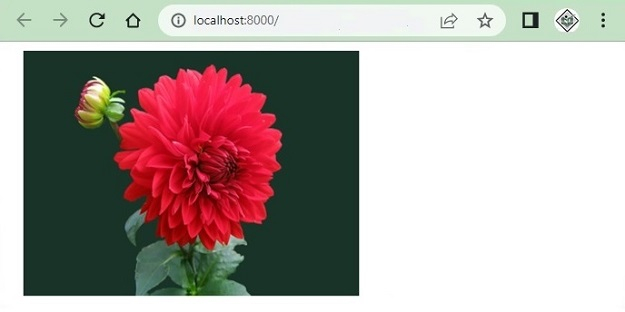
以上程式碼的輸出如下:
使用URL::to()方法
URL::to()方法給出URL的起始路徑,例如http://127.0.0.1:8000或https://127.0.0.1:8000
您也可以在Blade模板中使用URL::to('/')訪問圖片,如下所示:
<!DOCTYPE html>
<html>
<head>
   <style>
      body {
         font-family: 'Nunito', sans-serif;
      }
   </style>
</head>
<body class="antialiased">
   <div>
      <img src="{{ URL::to('/') }}/images/flower.jpg" alt="Image" width="300" height="250"/>
   </div>
</body>
</html>
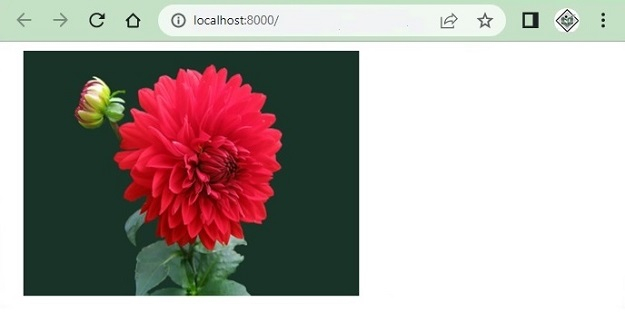
執行後,上述程式生成以下輸出:
使用asset()輔助函式
asset()輔助函式也提供從http或https開始的完整URL。例如,考慮以下行:
echo asset('images/flower.jpg');
這將列印圖片的完整URL,如下所示:
http://127.0.0.1:8000/images/flower.jpg
以下是使用asset()函式在瀏覽器中顯示圖片的完整示例:
<!DOCTYPE html>
<html>
<head>
   <style>
      body {
         font-family: 'Nunito', sans-serif;
      }
   </style>
</head>
<body class="antialiased">
   <div>
      <img src="{{ asset('images/flower.jpg') }}" alt="Image" width="300" height="250"/>
   </div>
</body>
</html>
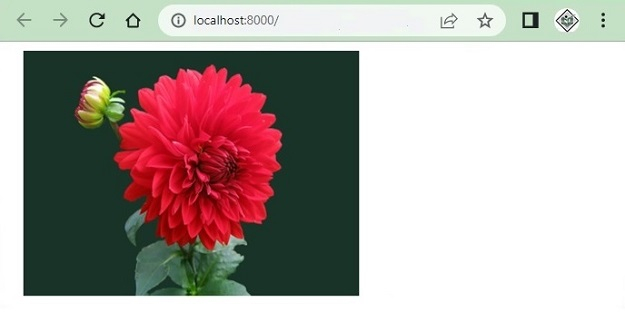
以上程式碼的輸出是:
使用public_path()方法
public_path()方法將給出public/資料夾中檔案的完整URL。此方法專門用於訪問public資料夾中的檔案。
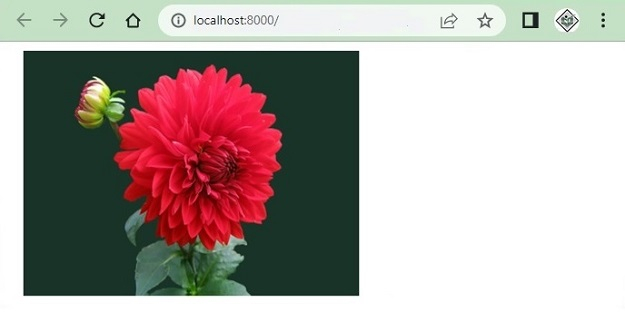
以下示例使用了File類的public_path()方法,並獲取public資料夾中所有可用的圖片,並在瀏覽器中顯示。
<?php
namespace App\Http\Controllers;
use Illuminate\Http\Request;
use App\Models\User;

class UserController extends Controller {
   public function index() {
      $images = \File::allFiles(public_path('images'));
      return View('test')->with(array('images'=>$images));
   }
}
Test.blade.php
<!DOCTYPE html>
<html>
<head>
   <style>
      body {
         font-family: 'Nunito', sans-serif;
      }
   </style>
</head>
<body class="antialiased">
   <div>
      <ul>
         @foreach ($images as $image)
            <li style="width:300px;display:inline-block;margin:5px 0px">
            <img src="{{asset('images/'. $image->getFilename())}}"width="300" height="250">
            </li>
         @endforeach
      </ul>
   </div>
</body>
</html>
以上程式碼的輸出如下:

更新於:2023年9月14日
31K+ 次瀏覽

廣告