
 資料結構
資料結構 網路
網路 關係型資料庫管理系統
 作業系統
作業系統 Java
Java MS Excel
 iOS
iOS HTML
HTML CSS
CSS Android
 Python
 C 語言
C 語言 C++
C++ C#
C# MongoDB
 MySQL
MySQL Javascript
 PHP
PHP 物理
物理 化學
化學 生物
生物 數學
數學 英語
英語 經濟學
經濟學 心理學
心理學 社會學
社會學 時尚學
時尚學 法律
法律如何在 Selenium Webdriver 2 Python 中獲取當前 URL?
我們可以透過 Selenium 驅動程式獲取頁面的當前 URL。其方法為 current_url,此方法獲取當前頁面 URL,隨後我們可以在控制檯中列印結果。
語法
s = driver.current_url
讓我們找出當前導航到的頁面 URL,我們便可獲得 https://tutorialspoint.tw/index.htm 作為輸出。
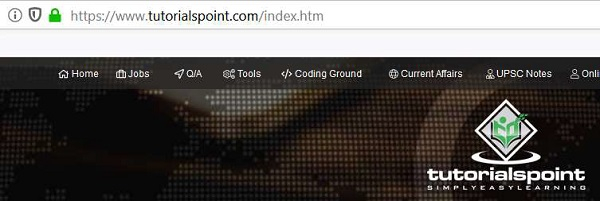
示例
from selenium import webdriver
driver = webdriver.Chrome(executable_path="C:\chromedriver.exe")
driver.implicitly_wait(0.5)
driver.get("https://tutorialspoint.tw/index.htm")
#identify current URL with current_url
l= driver.current_url
print(Current URL is: " + l)
driver.close()
輸出


更新於: 18-Sep-2020
897 人瀏覽

廣告