
 資料結構
資料結構 網路
網路 關係資料庫管理系統 (RDBMS)
 作業系統
作業系統 Java
Java MS Excel
 iOS
iOS HTML
HTML CSS
CSS Android
 Python
 C語言程式設計
 C++
C++ C#
C# MongoDB
 MySQL
MySQL Javascript
 PHP
PHP 物理學
物理學 化學
化學 生物學
生物學 數學
數學 英語
英語 經濟學
經濟學 心理學
心理學 社會學
社會學 服裝設計
服裝設計 法學
法學如何使用HTML5 localStorage和sessionStorage?
HTML5引入了兩種類似於HTTP會話cookie的機制,用於在客戶端儲存結構化資料並克服以下缺點。
- Cookie包含在每個HTTP請求中,從而透過傳輸相同的資料來減慢Web應用程式的速度。
- Cookie的資料限制約為4KB。不足以儲存所需的資料。
這兩種儲存機制分別是會話儲存和本地儲存,它們將用於處理不同的情況。
會話儲存
會話儲存設計用於使用者正在執行單個事務的場景,但可能同時在不同的視窗中執行多個事務。
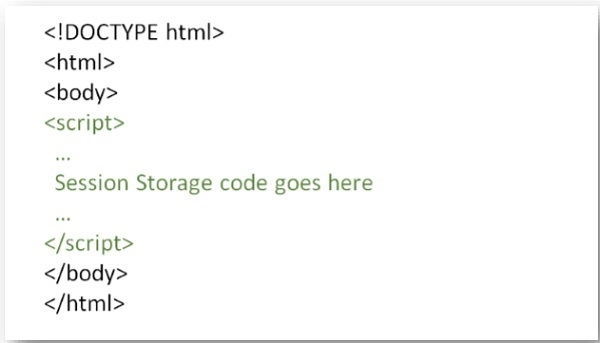
您可以嘗試執行以下程式碼來設定會話變數並訪問該變數
示例
<!DOCTYPE HTML>
<html>
   <body>
      <script type="text/javascript">
         if( sessionStorage.hits ){
            sessionStorage.hits = Number(sessionStorage.hits) +1;
         } else{
            sessionStorage.hits = 1;
         }
         document.write("Total Hits :" + sessionStorage.hits );
      </script>
      <p>Refresh the page to increase number of hits.</p>
      <p>Close the window and open it again and check the result.</p>
   </body>
</html>
本地儲存
本地儲存設計用於跨多個視窗的儲存,並且持續時間超過當前會話。特別是,出於效能原因,Web應用程式可能希望將兆位元組的使用者資料(例如整個使用者創作的文件或使用者的郵箱)儲存在客戶端。
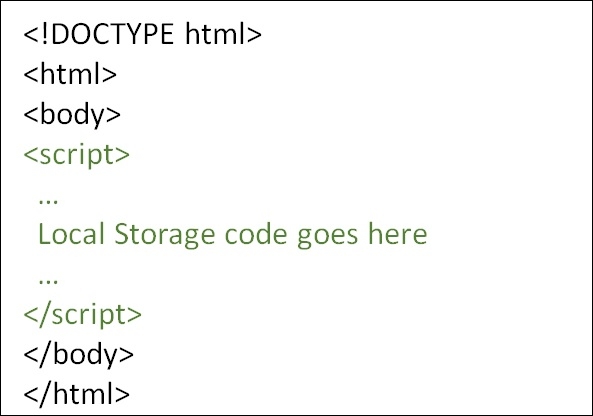
您可以嘗試執行以下程式碼來設定本地儲存變數,並在每次訪問此頁面時(甚至下次開啟視窗時)訪問該變數。
示例
<!DOCTYPE HTML>
<html>
   <body>
      <script type="text/javascript">
         if( localStorage.hits ){
            localStorage.hits = Number(localStorage.hits) +1;
         } else{
            localStorage.hits = 1;
         }
         document.write("Total Hits :" + localStorage.hits );
      </script>
      <p>Refresh the page to increase number of hits.</p>
      <p>Close the window and open it again and check the result.</p>
   </body>
</html>

更新於:2020年5月18日
437 次檢視

廣告