
 資料結構
資料結構 網路
網路 關係資料庫管理系統
 作業系統
作業系統 Java
Java MS Excel
 iOS
iOS HTML
HTML CSS
CSS Android
 Python
 C 程式設計
 C++
C++ C#
C# MongoDB
 MySQL
MySQL Javascript
 PHP
PHP 物理學
物理學 化學
化學 生物學
生物學 數學
數學 英語
英語 經濟學
經濟學 心理學
心理學 社會學
社會學 時尚研究
時尚研究 法律研究
法律研究如何在 JavaScript 中的迴圈中新增延遲?
迴圈用於在 JavaScript 中重複操作或迭代資料片段。藉助各種技術,我們可以在迴圈的每次迭代之間新增延遲,以調節執行速度或產生特定的時間效果。本文將教你如何在 JavaScript 迴圈中包含延遲,以及如何使用它來延遲正在迴圈內部執行的特定程式碼段的執行。
讓我們看一些示例,以便更好地理解這個概念 -
示例 1 - 使用 setTimeout()
在下面的示例中 -
建立一個包含以下元素的陣列 - 1、2、3、4 和 5
處理陣列,在每次迭代之間暫停一秒
使用 setTimeout() 函式,processItem() 函式遍歷陣列,每次迭代延遲 1 秒
檔名 - index.html
<html>
<head>
   <title>How to add delay in a loop in JavaScript?</title>
   <script>
      function delayedLoop() {
         var items = [1, 2, 3, 4, 5];
         var delay = 1000; // 1 second

         function processItem(index) {
            // Perform some task with the current item
            console.log("Processing item:", items[index]);

            // Check if there are more items to process
            if (index < items.length - 1) {
               // Set a timeout to process the next item after the delay
               setTimeout(function () {
                  processItem(index + 1);
               }, delay);
            }
         }

         // Start the loop with the first item
         processItem(0);
      }

      delayedLoop();
   </script>
</head>
<body>
   <h3>Add Delay in Loop using setTimeout()</h3>
</body>
</html>
輸出
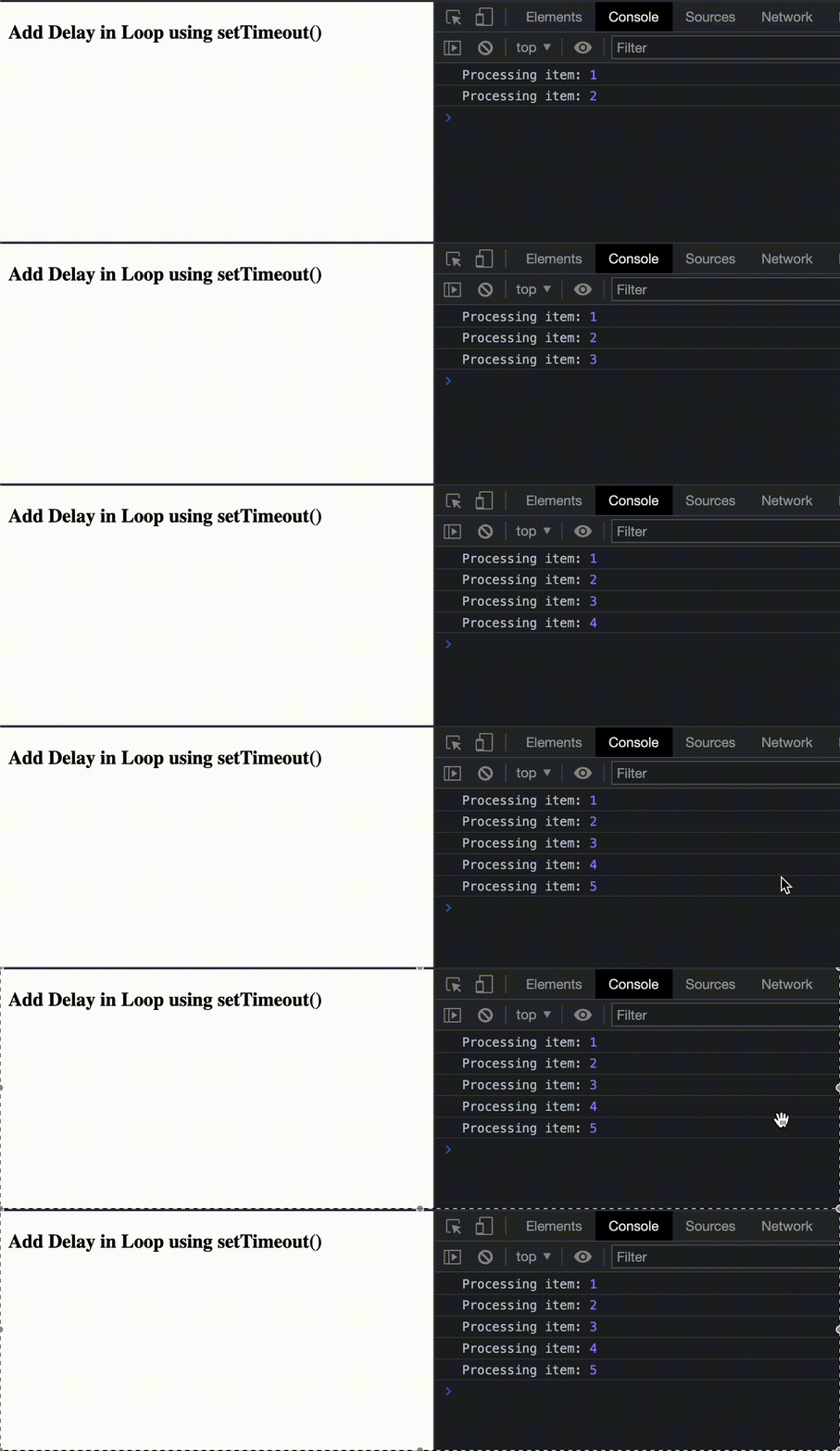
結果將類似於下面的影像。
示例 2 - 使用 async/await
在這個例子中,我們將 -
建立一個名為 sleep() 的函式,該函式返回一個在預定時間段後解析的 Promise。
在 delayedLoop() 函式內部,我們將遍歷專案陣列。await sleep(delay) 語句用於在每次迭代之間引入 1 秒的延遲。
檔名 - index.html
<html>
<head>
   <title>How to add delay in a loop in JavaScript?</title>
   <script>
      function sleep(ms) {
         return new Promise(resolve => setTimeout(resolve, ms));
      }

      async function delayedLoop() {
         var items = [1, 2, 3, 4, 5];
         var delay = 1000; // 1 second

         for (var i = 0; i < items.length; i++) {
            // Perform some task with the current item
            console.log("Processing item:", items[i]);

            // Wait for the specified delay before processing the next item
            await sleep(delay);
         }
      }

      delayedLoop();
   </script>
</head>
<body>
   <h3>Add Delay in Loop using async/await</h3>
</body>
</html>
輸出
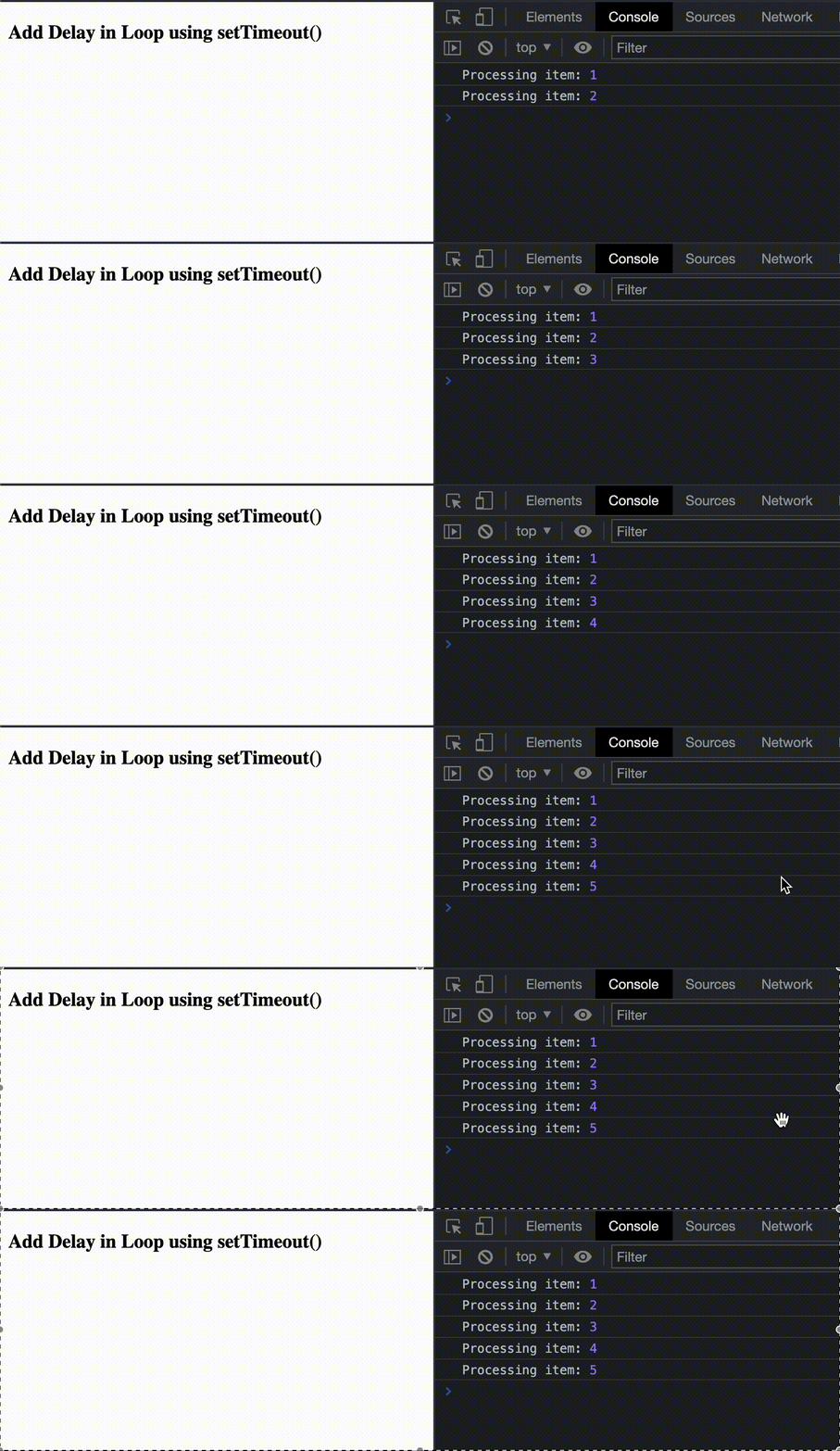
結果將類似於下面的影像。
結論
在迴圈中新增延遲在各種應用中都很有用,例如建立定時動畫或控制重複任務的執行速度。我們學習瞭如何使用 setTimeout() 和帶有自定義 sleep() 函式的 async/await 在 JavaScript 中的迴圈中新增延遲,並查看了一些解釋相同的示例。

更新於: 2023年8月16日
4K+ 次檢視

廣告