
 資料結構
資料結構 網路
網路 關係型資料庫管理系統
 作業系統
作業系統 Java
Java MS Excel
 iOS
iOS HTML
HTML CSS
CSS Android
 Python
 C 程式設計
 C++
C++ C#
C# MongoDB
 MySQL
MySQL Javascript
 PHP
PHP 物理學
物理學 化學
化學 生物學
生物學 數學
數學 英語
英語 經濟學
經濟學 心理學
心理學 社會學
社會學 時尚研究
時尚研究 法律研究
法律研究Android UI 佈局
簡介
Android 中的 UI 佈局用於定義使用者介面,當使用移動應用程式時,該介面將顯示給使用者。它通常用於顯示使用者將在螢幕上看到的內容。每個 Android 應用程式都包含一個或多個 UI 佈局。Android 應用程式中建立的每個活動都包含不同型別的 UI 佈局。UI 佈局通常用作父元件,它包含應用程式中的所有小部件,無論是文字檢視、影像檢視還是其他小部件。Android 中的佈局也稱為檢視組,它包含其中的所有檢視。在本文中,我們將瞭解 Android 中不同型別的 UI 佈局。
Android 中不同型別的 UI 佈局。
約束佈局。
相對佈局。
線性佈局。
幀佈局。
表格佈局。
絕對佈局。
我們將為每個佈局建立一個簡單的專案進行演示。
約束佈局
約束佈局是任何 Android 應用程式中最常用的 UI 佈局之一。它用於以靈活的方式在檢視組中定位和調整小部件的大小。我們可以為該檢視組中每個子元素的佈局約束指定相對於其他存在的檢視的位置。
約束佈局示例
導航到 aactivity_main.xml 並向其中新增以下程式碼。
<?xml version="1.0" encoding="utf-8"?>
<androidx.constraintlayout.widget.ConstraintLayout xmlns:android="http://schemas.android.com/apk/res/android"
   xmlns:app="http://schemas.android.com/apk/res-auto"
   xmlns:tools="http://schemas.android.com/tools"
   android:layout_width="match_parent"
   android:layout_height="match_parent"
   tools:context=".MainActivity">

   <TextView
      android:id="@+id/textView"
      android:layout_width="match_parent"
      android:layout_height="wrap_content"
      android:text="Layouts in Android"
      android:textAlignment="center"
      android:textColor="#FF000000"
      android:textSize="20sp"
      android:textStyle="bold"
      app:layout_constraintBottom_toBottomOf="parent"
      app:layout_constraintTop_toTopOf="parent" />

   <TextView
      android:layout_width="match_parent"
      android:layout_height="wrap_content"
      android:id="@+id/idTVSubHeading"
      android:text="Constraint Layout in Android"
      android:textAlignment="center"
      android:textColor="#FF000000"
      app:layout_constraintBottom_toBottomOf="parent"
      app:layout_constraintTop_toBottomOf="@id/textView" />
</androidx.constraintlayout.widget.ConstraintLayout>
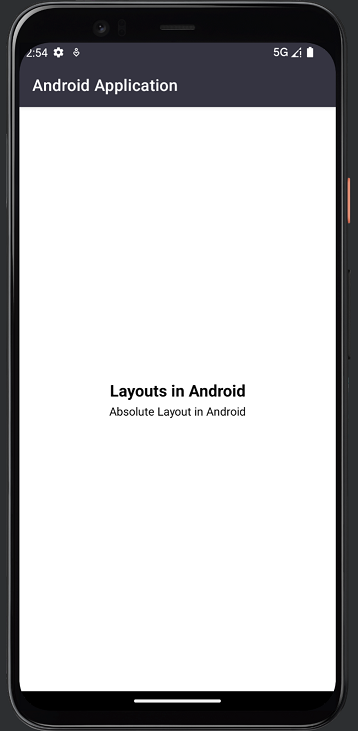
約束佈局輸出
相對佈局
相對佈局是一種佈局,其中可以在此檢視組中存在的部件的位置相對於彼此或相對於父級進行描述。藉助此佈局,我們可以使用特定部件的 ID 將元素彼此對齊。
相對佈局示例
導航到 aactivity_main.xml 並向其中新增以下程式碼。
<?xml version="1.0" encoding="utf-8"?>
<RelativeLayout xmlns:android="http://schemas.android.com/apk/res/android"
   xmlns:tools="http://schemas.android.com/tools"
   android:layout_width="match_parent"
   android:layout_height="match_parent"
   tools:context=".MainActivity">

   <TextView
      android:id="@+id/idTVHeading"
      android:layout_width="match_parent"
      android:layout_height="wrap_content"
      android:layout_centerInParent="true"
      android:text="Layouts in Android"
      android:textAlignment="center"
      android:textColor="#FF000000"
      android:textSize="20sp"
      android:textStyle="bold" />

   <TextView
      android:layout_width="match_parent"
      android:layout_height="wrap_content"
      android:layout_below="@id/idTVHeading"
      android:text="Relative Layout Example"
      android:textAlignment="center"
      android:textColor="#FF000000" />

</RelativeLayout>
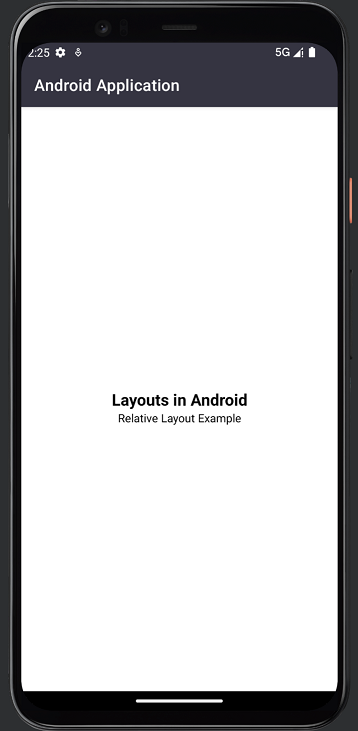
相對佈局輸出
線性佈局
線性佈局是一種佈局型別,我們可以在其中水平排列在此檢視中顯示的小部件或檢視,在一行中,或垂直排列在一列中。為了指定線性佈局的方向,無論我們是否必須水平或垂直顯示它,我們都可以使用線性佈局中的方向引數進行設定。
線性佈局示例
導航到 aactivity_main.xml 並向其中新增以下程式碼。
<?xml version="1.0" encoding="utf-8"?>
<LinearLayout xmlns:android="http://schemas.android.com/apk/res/android"
   xmlns:app="http://schemas.android.com/apk/res-auto"
   xmlns:tools="http://schemas.android.com/tools"
   android:layout_width="match_parent"
   android:layout_height="match_parent"
   android:gravity="center"
   android:orientation="vertical"
   tools:context=".MainActivity">

   <TextView
      android:layout_width="match_parent"
      android:layout_height="wrap_content"
      android:text="Layouts in Android"
      android:textAlignment="center"
      android:textColor="#FF000000"
      android:textSize="20sp"
      android:textStyle="bold" />

   <TextView
      android:id="@+id/idTVSubHeading"
      android:layout_width="match_parent"
      android:layout_height="wrap_content"
      android:text="Vertical Linear Layout in Android"
      android:textAlignment="center"
      android:textColor="#FF000000" />

</LinearLayout>
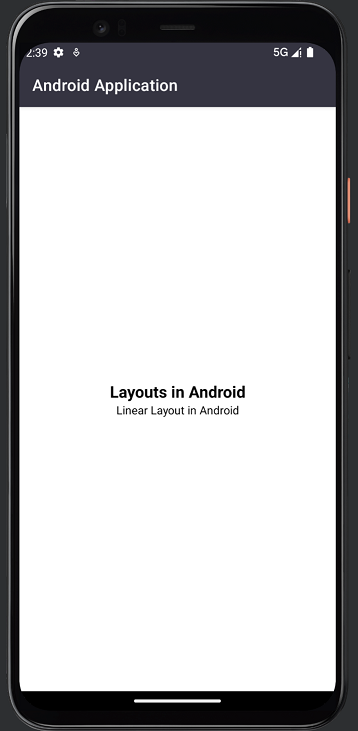
線性佈局輸出
幀佈局
幀佈局是一種旨在阻止螢幕特定區域以顯示單個專案的佈局。在大多數情況下,幀佈局用於儲存單個子檢視。我們可以在幀佈局中使用多個檢視,並且可以透過為幀佈局中顯示的每個部件分配重力來控制它們在其中的位置。
幀佈局示例
導航到 aactivity_main.xml 並向其中新增以下程式碼。
<?xml version="1.0" encoding="utf-8"?>
<FrameLayout xmlns:android="http://schemas.android.com/apk/res/android"
   xmlns:app="http://schemas.android.com/apk/res-auto"
   xmlns:tools="http://schemas.android.com/tools"
   android:layout_width="match_parent"
   android:layout_height="wrap_content"
   android:layout_gravity="center"
   tools:context=".MainActivity">

   <TextView
      android:layout_width="match_parent"
      android:layout_height="wrap_content"
      android:text="Layouts in Android"
      android:textAlignment="center"
      android:textColor="#FF000000"
      android:textSize="20sp"
      android:textStyle="bold" />

   <TextView
      android:id="@+id/idTVSubHeading"
      android:layout_width="match_parent"
      android:layout_height="wrap_content"
      android:layout_marginTop="30dp"
      android:text="Frame Layout in Android"
      android:textAlignment="center"
      android:textColor="#FF000000" />

</FrameLayout>
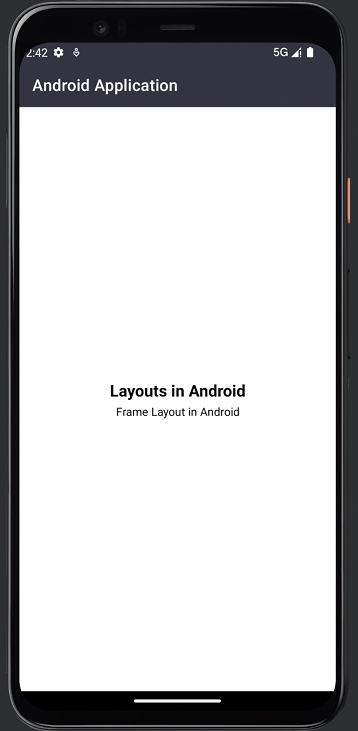
幀佈局輸出
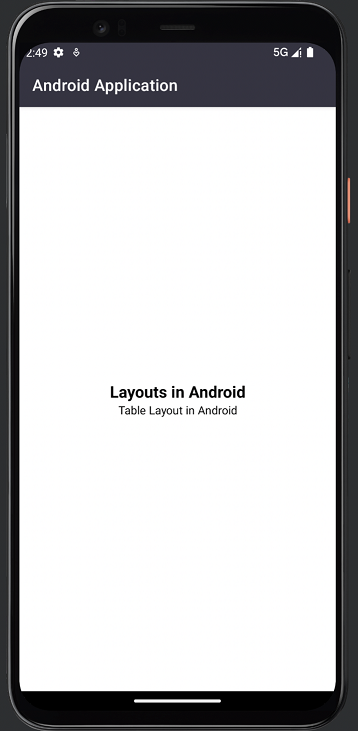
表格佈局
表格佈局顧名思義,此佈局用於以表格格式對齊其中的部件。此檢視組包含表格行,它們各自定義可能包含任意數量單元格的行。類似地,表格佈局還包含表格列,它們各自定義可能包含任意數量列的列。表格佈局的列寬由該列中最寬的單元格定義。
表格佈局示例
導航到 aactivity_main.xml 並向其中新增以下程式碼。
<?xml version="1.0" encoding="utf-8"?>
<TableLayout xmlns:android="http://schemas.android.com/apk/res/android"
   xmlns:app="http://schemas.android.com/apk/res-auto"
   xmlns:tools="http://schemas.android.com/tools"
   android:layout_width="match_parent"
   android:layout_height="wrap_content"
   android:layout_gravity="center"
   tools:context=".MainActivity">

   <TableRow
      android:layout_width="match_parent"
      android:layout_height="wrap_content"
      android:layout_gravity="center"
      android:gravity="center">

      <TextView
         android:layout_width="match_parent"
         android:layout_height="wrap_content"
         android:layout_gravity="center"
         android:text="Layouts in Android"
         android:textAlignment="center"
         android:textColor="#FF000000"
         android:textSize="20sp"
         android:textStyle="bold" />

   </TableRow>

   <TableRow
      android:layout_width="match_parent"
      android:layout_height="wrap_content"
      android:layout_gravity="center"
      android:gravity="center">

      <TextView
         android:id="@+id/idTVSubHeading"
         android:layout_width="match_parent"
         android:layout_height="wrap_content"
         android:text="Table Layout in Android"
         android:textAlignment="center"
         android:textColor="#FF000000" />

   </TableRow>
</TableLayout>
表格佈局輸出
結論
在上面的教程中,我們學習了什麼是 Android 中的 UI 佈局,以及 Android 應用程式中存在哪些不同型別的 Android UI 佈局,我們可以使用它們。

399 次瀏覽
